

Computer & Office
Upgrade Your Workspace
Discover premium computer essentials and office supplies designed to boost your productivity and style.
Explore Gear
.webp)
Discover premium computer essentials and office supplies designed to boost your productivity and style.
Explore Gear
Standard delivery charges apply.
Secure handling guaranteed.
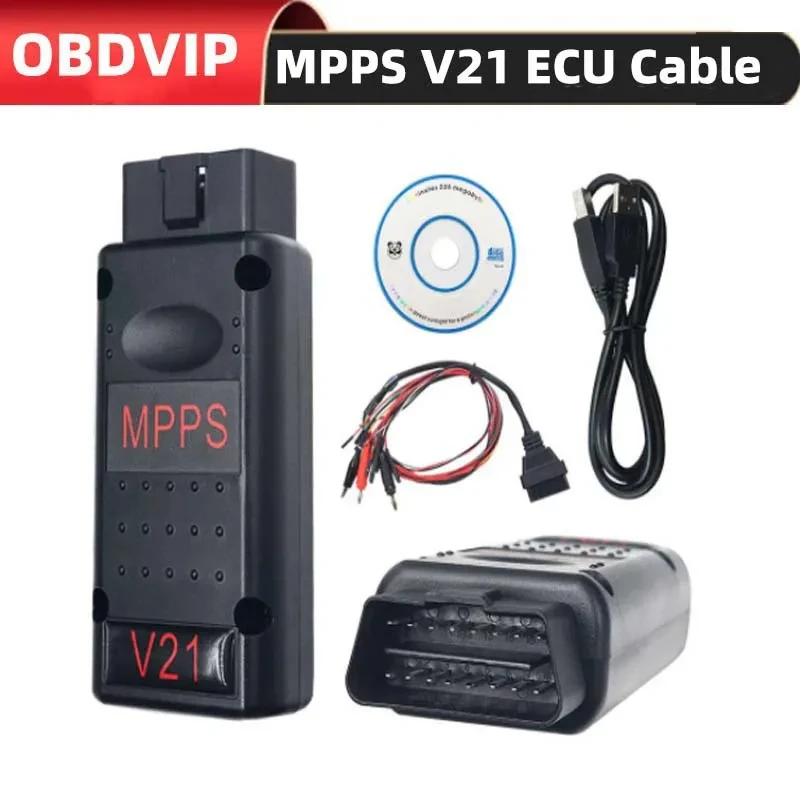
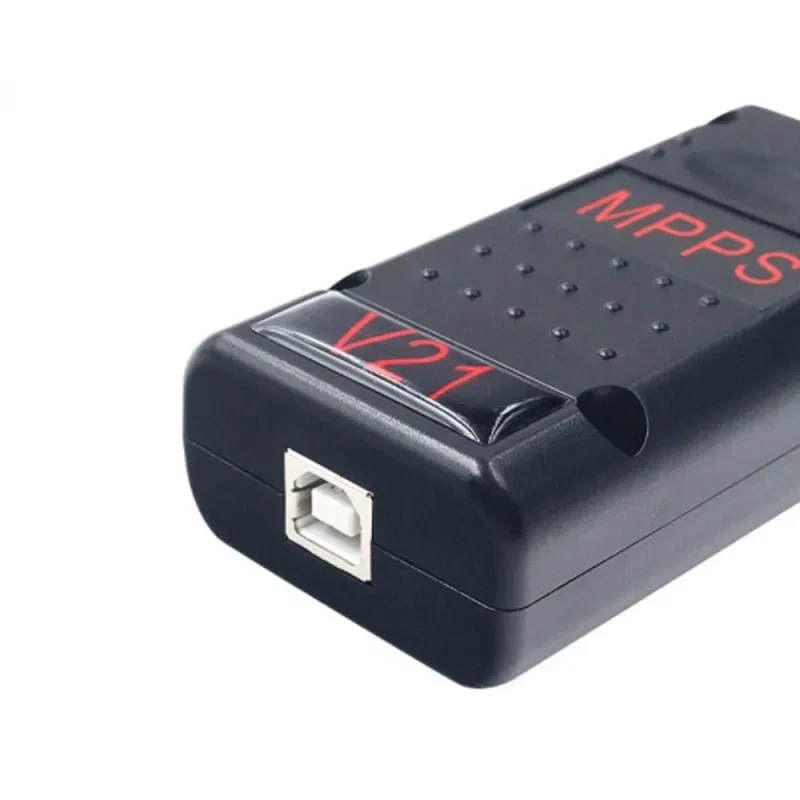
Transform the driving experience and unlock the hidden potential of an engine with the MPPS V21 ECU Chip Tuning Tool. This advanced device serves as a bridge between a computer and the onboard computer of a vehicle allowing for precise adjustments to engine parameters. Enthusiasts and professional mechanics utilize this hardware to read and write memory from the car computer which is essential for performance tuning and fuel efficiency improvements. The device is engineered to provide a stable connection ensuring that data transfer remains secure during critical flashing processes. Unlike standard diagnostic scanners that only read error codes this unit is specifically built to modify the software that controls fuel injection, ignition timing and boost pressure.
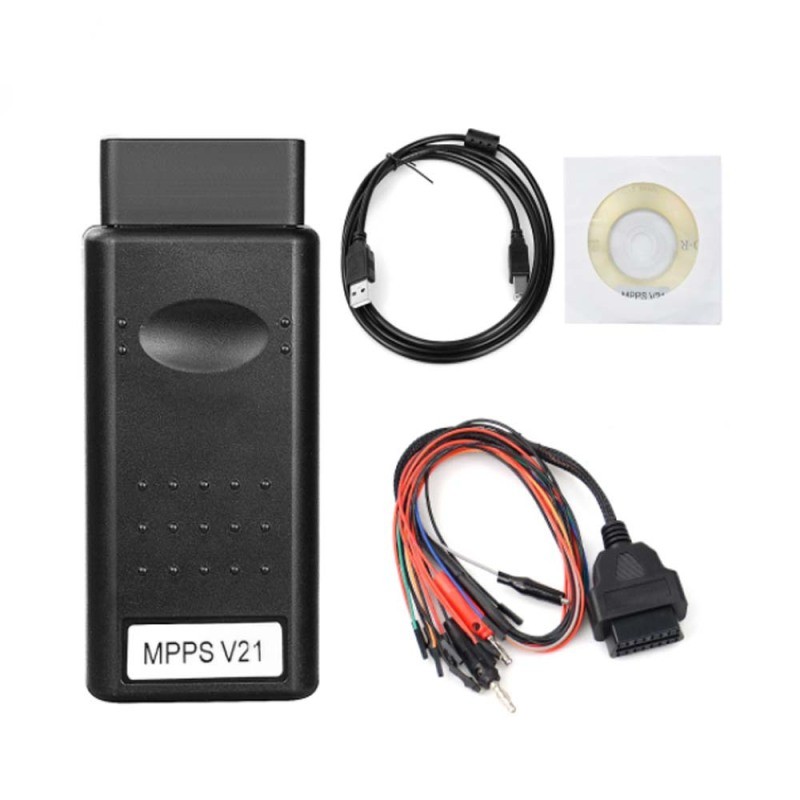
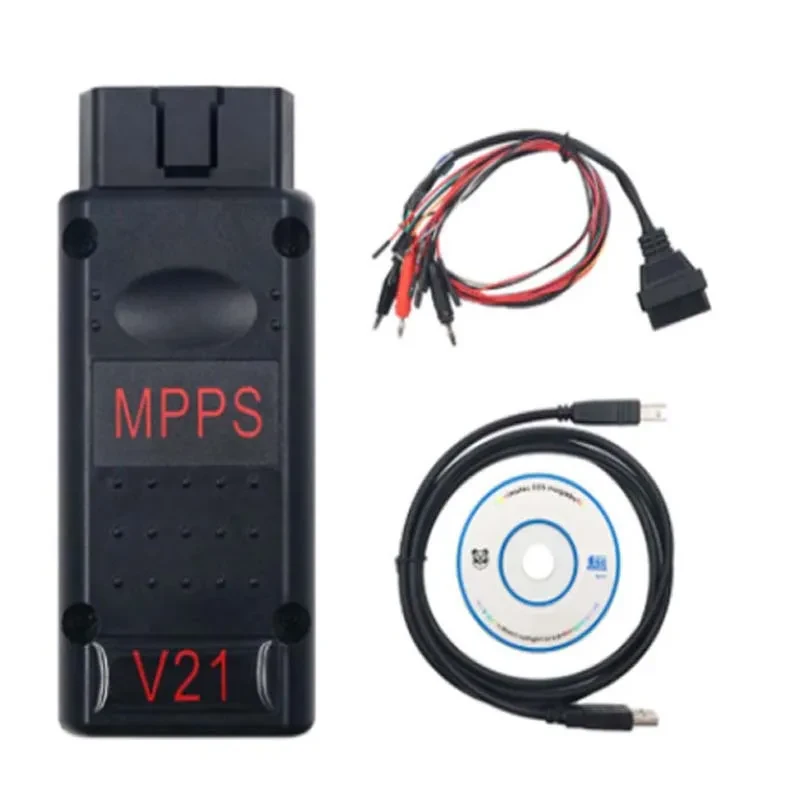
The V21 interface is a modern evolution in the world of vehicle remapping. It supports a vast array of protocols and vehicle models making it a versatile asset for any automotive workshop. When you connect the MPPS V21 ECU Chip Tuning Tool to the OBD port you gain access to the brain of the car. This capability allows for the removal of restrictions placed by manufacturers giving the driver more torque and better throttle response. The package comes complete with necessary breakout cables and a dedicated software suite designed to run smoothly on Windows 7 environments. This ensures that the user has everything required to start tuning immediately without hunting for aftermarket accessories.
Reliability is the cornerstone of any ECU flashing operation. The MPPS V21 ECU Chip Tuning Tool is constructed to handle the delicate process of reading and writing firmware without introducing corruption. It features advanced recovery functions which are critical when working with expensive engine control units. In some cases the tool can even recover an ECU which others can not communicate with making it a lifesaver in difficult situations. The compact design weighing only around 0.2kg means it can be easily transported to different locations or used directly on the roadside if necessary.
Speed and precision define the operation of this device. It automatically detects the ECU and processor type which reduces the risk of user error during the selection process. This auto detection feature simplifies the workflow allowing the tuner to focus on the calibration rather than the connectivity. Furthermore the tool supports reading and writing of both the Micro, Flash and EEPROM memory without opening the ECU in many cases. This OBD based convenience saves significant time and labor compared to traditional bench flashing methods where the ECU must be physically removed from the vehicle.
Understanding the technical backbone of this device helps in appreciating its value. The MPPS V21 ECU Chip Tuning Tool operates with a high level of stability that is required for modern Tricore and Multiboot systems. It is designed to bypass security checks seamlessly to allow for the reading of the file. Once the file is modified and ready to be written back the tool calculates the checksums automatically for many supported vehicle families. This automatic checksum correction is vital because if the checksum is invalid the car will refuse to start.
The software interface is user friendly but requires a specific operating system environment to function correctly. It is strictly recommended to use Windows 7 32 bit or 64 bit versions to avoid driver conflicts that are common with newer operating systems like Windows 10 or 11. The dedicated driver included in the package creates a secure communication channel between the USB port and the vehicle diagnostic port. Users must ensure they only use the provided software and drivers to prevent hardware locking or bricking of the device.
| Feature | Specification |
| Product Name | MPPS V21 ECU Upgrade Tool |
| Primary Function | Read and Write ECU Memory |
| Connection Type | OBD2 Standard Interface |
| Supported OS | Windows 7 (32/64 bit) |
| Package Weight | 0.2kg |
| Dimensions | 20cm x 18cm x 3cm |
| Update Method | CD Software (Do not update online) |
| Protocol Support | K-Line, CAN, UDS |
Proper installation is crucial for the successful operation of the MPPS V21 ECU Chip Tuning Tool. The process begins with a clean installation of Windows 7 as this provides the most stable architecture for the drivers. Once the operating system is ready the user should insert the included CD and copy the files to the hard drive. It is important to disable antivirus software temporarily as some security programs may falsely flag tuning tools as threats due to their ability to modify system files. Connect the device to the USB port and manually point the device manager to the driver folder provided in the package.
After the drivers are successfully installed the software can be launched. The interface will display battery voltage which is a critical parameter to monitor. You should always connect a battery stabilizer to the vehicle during the reading and writing process. If the voltage drops below a certain level during a write operation the ECU can be damaged. The software allows you to select the make and model of the vehicle or use the auto detect function. Once connected reading the stock file is the first step. This original file should be saved in a secure location as a backup before any changes are made to the engine mapping.
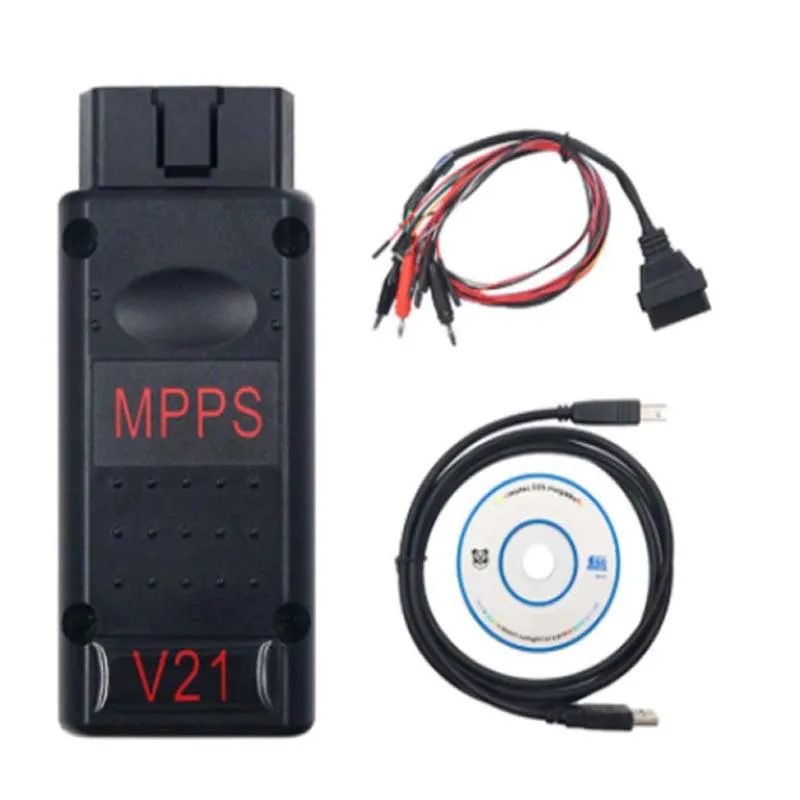
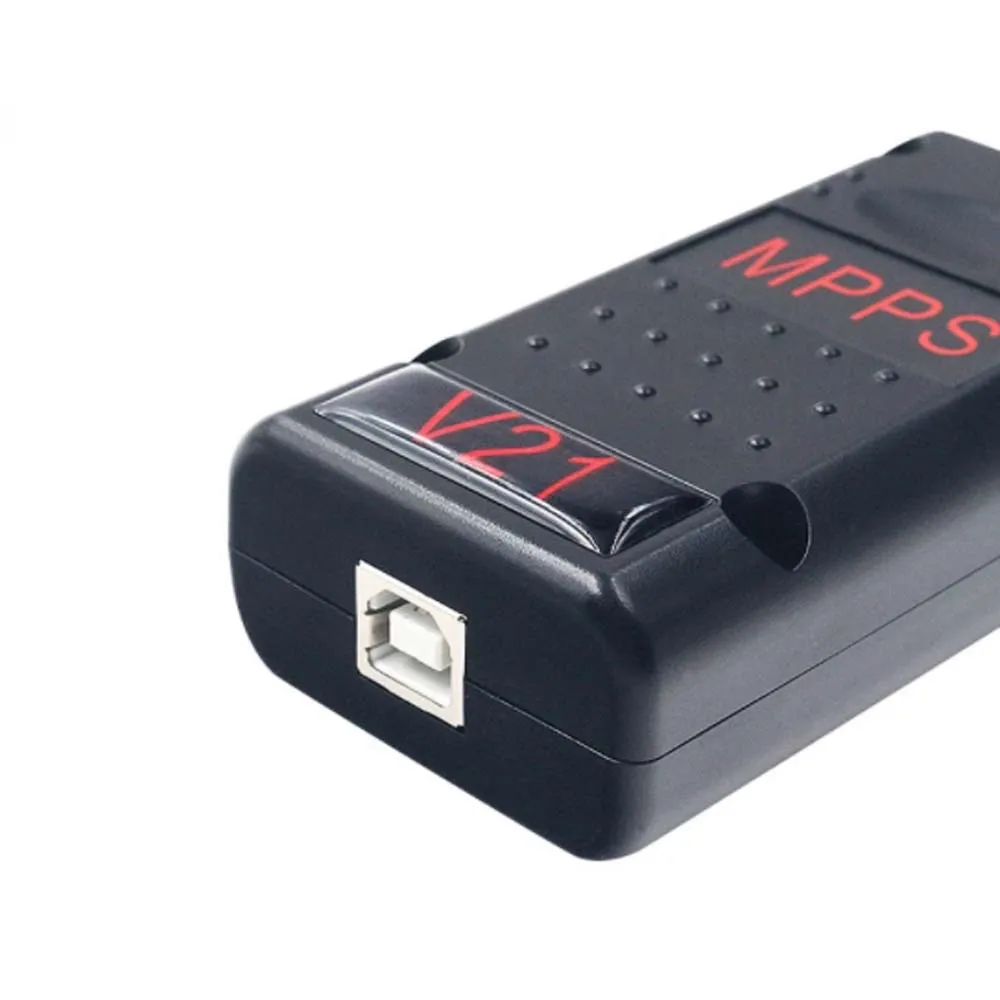
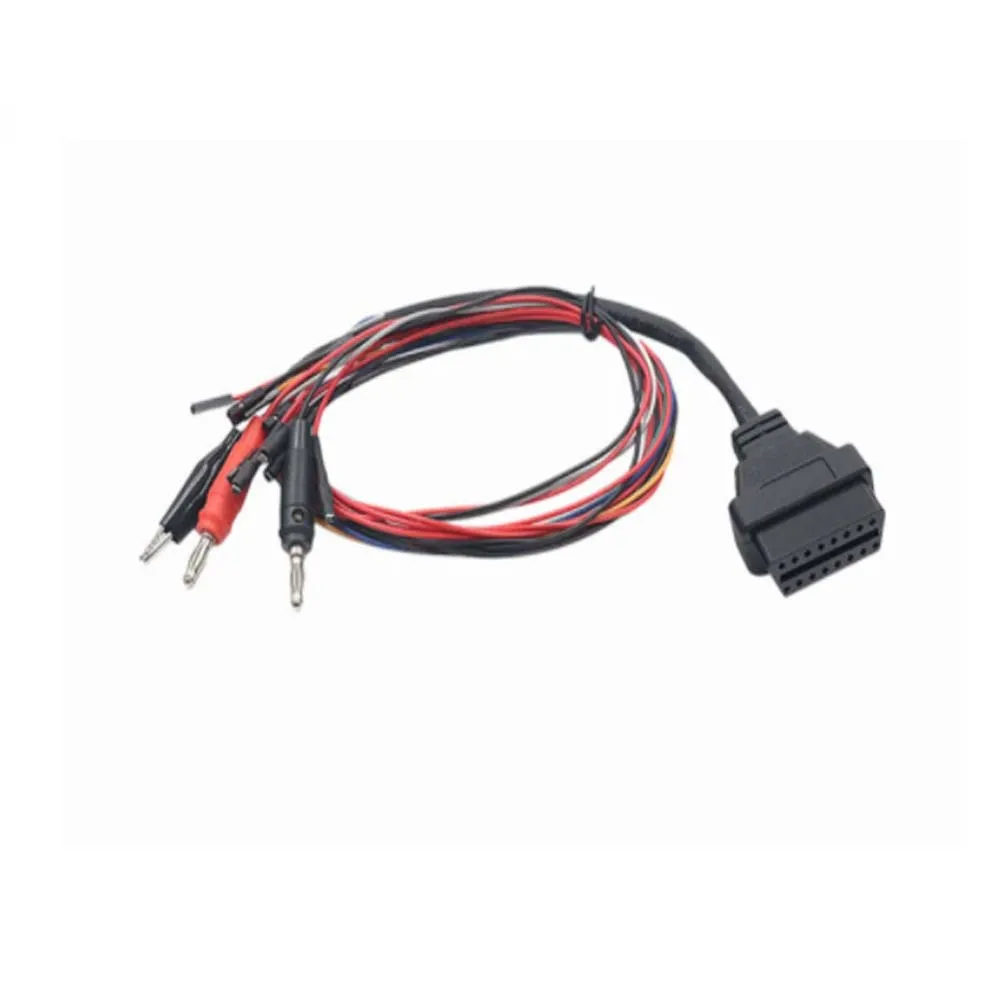
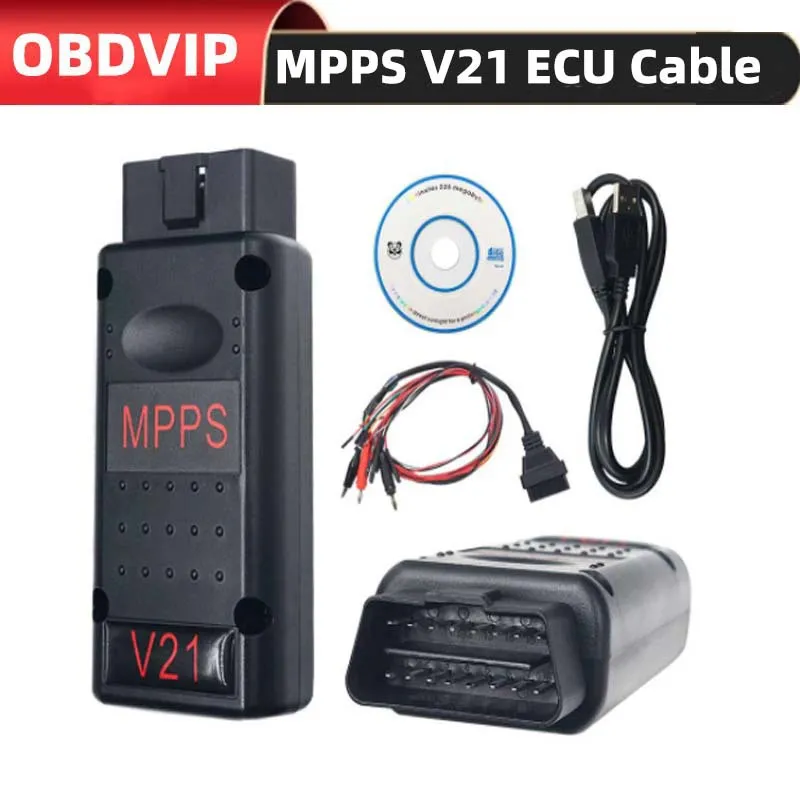

[BUYER_GUIDE]
Entering the world of automotive tuning is an exciting journey that blends mechanical engineering with computer science. The heart of this process lies in the Engine Control Unit which is essentially a computer that manages every aspect of engine operation. When you decide to purchase a tuning tool you are not just buying a cable you are investing in the ability to alter the personality of a vehicle. The market is flooded with various devices but understanding the nuances of how they communicate with the car is vital for making an informed decision. A professional grade tool allows for bidirectional communication where it not only listens to the car but commands it to accept new programming instructions. This capability is what separates a simple code reader from a powerful tuning interface.
The primary consideration for any buyer should be the scope of vehicle compatibility and the stability of the tool. Modern vehicles use complex encryption and checksum algorithms to prevent unauthorized tampering. A high quality tuning tool handles these security layers automatically. It calculates the necessary mathematical corrections so that the car recognizes the modified file as legitimate. Without this feature a tuner would have to manually calculate hex values which is an incredibly difficult and error prone task. Therefore when selecting a tool one must look for features like automatic checksum correction and recovery capabilities. Recovery mode is particularly important because if a computer crashes or power is lost during a write process the ECU can be left in an incomplete state. A robust tool can force communication and restore the original data saving the user from replacing expensive hardware.
Another critical aspect to understand is the difference between OBD flashing and Bench flashing. OBD flashing is the most convenient method where the tool plugs directly into the port under the dashboard. This is non intrusive and quick making it ideal for standard stage one tunes where the goal is a moderate power increase and better fuel economy. However not all ECUs can be accessed fully via OBD. Some require the ECU to be removed and opened to access specific pins on the circuit board known as Boot Mode or Tricore Boot. A versatile tool will offer support for both methods giving the user the flexibility to handle a wider range of jobs. Buyers should assess their skill level and the types of cars they intend to work on. If you primarily work on older vehicles OBD support might be sufficient but for newer European cars having boot mode capabilities is often a necessity.
Software environment and driver integrity play a massive role in the success of ECU tuning. Many users overlook the importance of the laptop being used. Tuning tools are often designed around specific operating system architectures. In the case of many established tuning interfaces Windows 7 remains the gold standard due to its driver handling stability. Newer operating systems enforce strict driver signatures that can interfere with the operation of specialized hardware. A buyer must be prepared to dedicate a specific laptop or a partition for tuning purposes. This machine should be free of unnecessary bloatware and have a healthy battery. Using a stable clean operating system eliminates a major variable in the tuning process ensuring that the data flows uninterrupted from the USB port to the vehicle network.
Finally the concept of file management and safety cannot be stressed enough. When you read the data from a car you are extracting the operating system of the engine. This file contains the maps for fueling, ignition, variable valve timing and boost limits. A buyer must understand that the tool is the delivery mechanism while the tuning file is the product. The tool reads the stock file and writes the modified file but the modification itself is done using separate editing software. The quality of the tuning tool ensures that this file reaches the ECU without corruption. A poor quality tool might drop data packets leading to a bricked ECU. Therefore investing in a tool that has a proven track record of stable read and write operations is the best insurance policy for any tuner. It turns a risky procedure into a routine operation allowing for safe and effective vehicle optimization.
[FAQS]
Q: Can I use this tool on Windows 10 or Windows 11 operating systems?
A: It is strongly recommended to use Windows 7 32 bit or 64 bit versions only. Newer operating systems often have driver signature enforcement policies and compatibility layers that can interrupt the stable communication required for ECU flashing leading to potential errors.
Q: Does the package include the actual tuning files or just the hardware?
A: The package includes the hardware interface and the software to read and write the files. It does not contain pre tuned files for specific cars. You will need to use separate map editing software to modify the file you read from the car or obtain a tuned file from a professional file service.
Q: Is it safe to leave the battery charger disconnected while tuning?
A: No you should always connect a high quality battery stabilizer or charger to the vehicle while using the tool. Writing to the ECU consumes power and takes time. If the vehicle battery voltage drops below the required threshold the write process will fail and could damage the ECU.
Q: What should I do if the software does not detect the interface?
A: First ensure you are using the specific driver provided on the CD included with the package. Do not use drivers from other versions or internet downloads. Check your Device Manager to see if the device is recognized and ensure your USB cable is securely connected to a powered port.
Q: Can this tool recover an ECU that was bricked by another device?
A: This tool has advanced recovery functions and in many cases it can communicate with controllers that other tools cannot. However success depends on the extent of the damage to the ECU data. It is a powerful recovery tool but cannot guarantee a fix for physically damaged hardware.
Q: Do I need to be connected to the internet to use the software?
A: No you should strictly avoid connecting to the internet or updating the software online. The device is designed to work offline with the provided software version. Online updates can lock the hardware and render the device unusable.
Q: Does this tool support Tricore Boot Mode or just OBD flashing?
A: This device supports both standard OBD flashing and Tricore Boot Mode for newer vehicle ECUs that require direct board connection. This dual capability makes it versatile for handling a wide range of vehicle generations and security types.
Q: Will this tool work on trucks and motorcycles or only cars?
A: The tool is primarily designed for passenger cars and light commercial vehicles. While it covers a vast range of protocols used in the automotive industry compatibility with heavy trucks or motorcycles depends on the specific ECU model and connection type available on those vehicles.
We deliver your orders quickly, safely, and securely. Most orders arrive within 7–21 working days. Local deliveries may arrive sooner.
Delivery times may vary based on location, order volume, and courier schedules. Some rural areas may take longer.
If your order hasn't arrived within the estimated timeframe, please contact us: contact@giftdeal.com.au
No FAQs available for this product yet.
Buyer guide not available for this product.