Computer & Office
Upgrade Your Workspace
Discover premium computer essentials and office supplies designed to boost your productivity and style.
Explore Gear
.webp)
Discover premium computer essentials and office supplies designed to boost your productivity and style.
Explore Gear
Standard delivery charges apply.
Secure handling guaranteed.
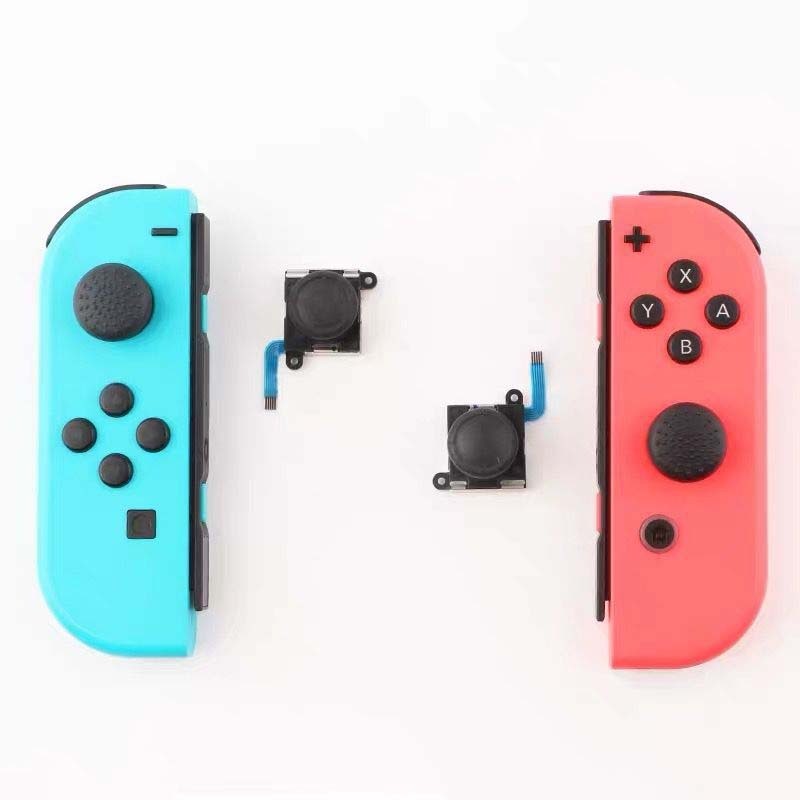
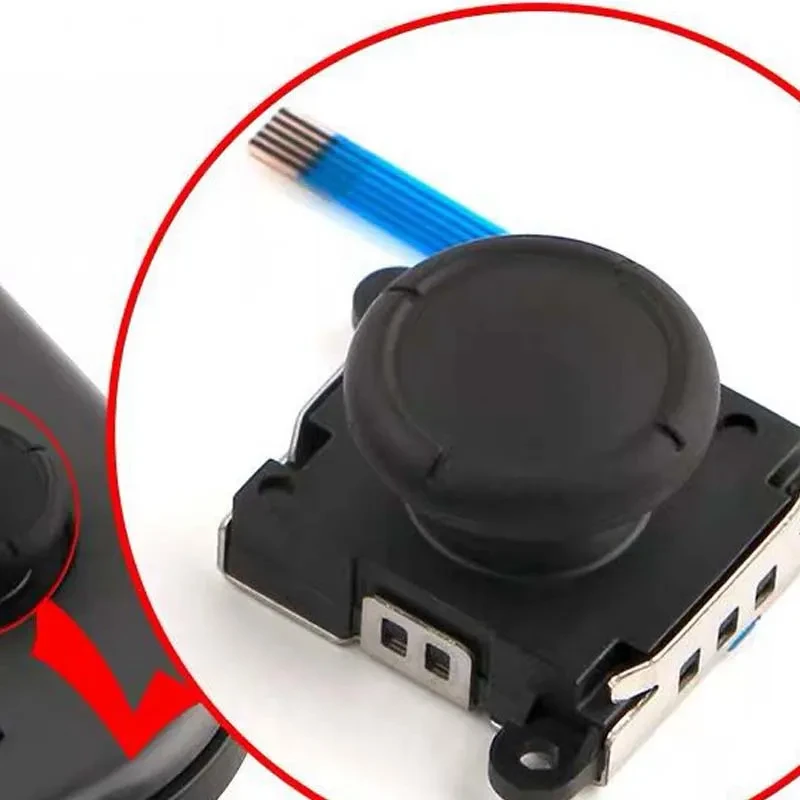
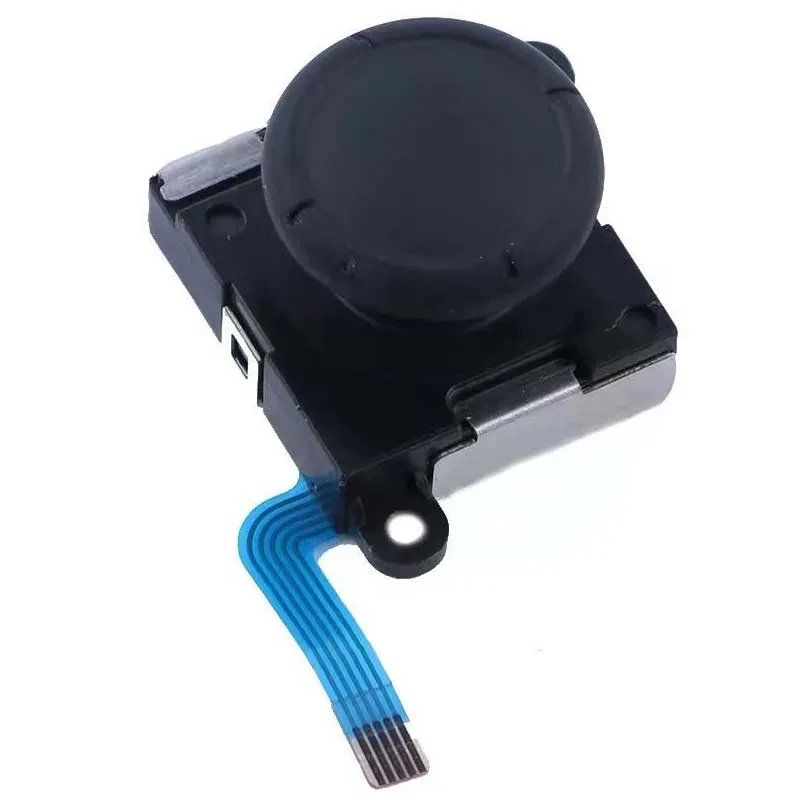
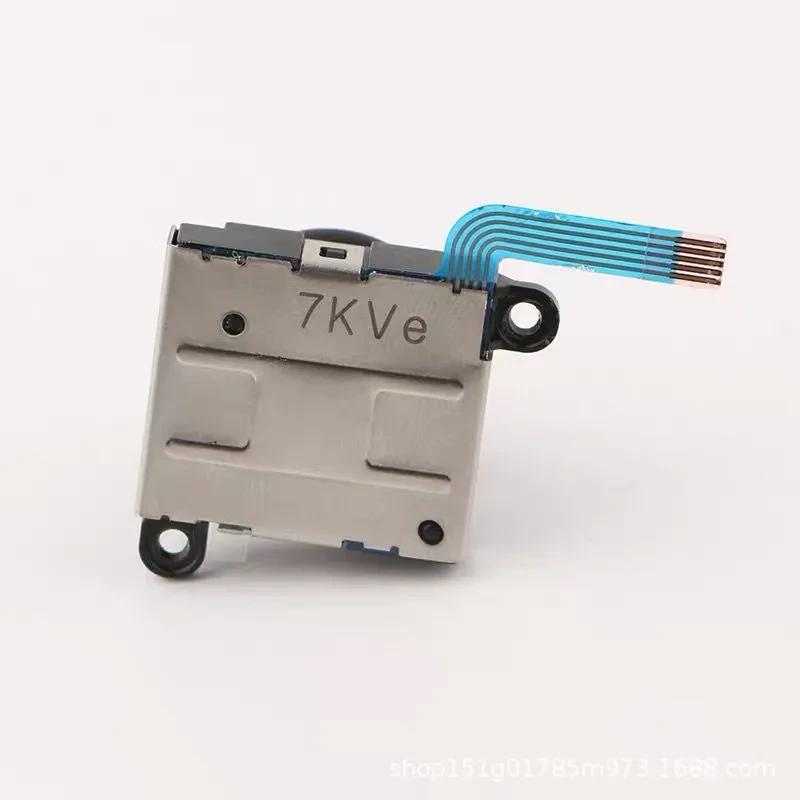
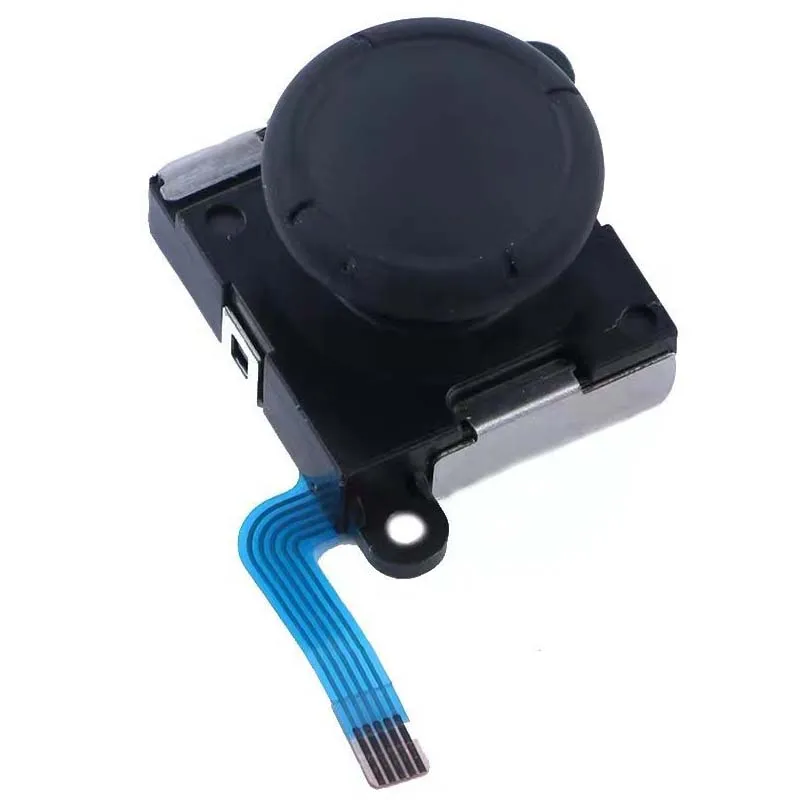
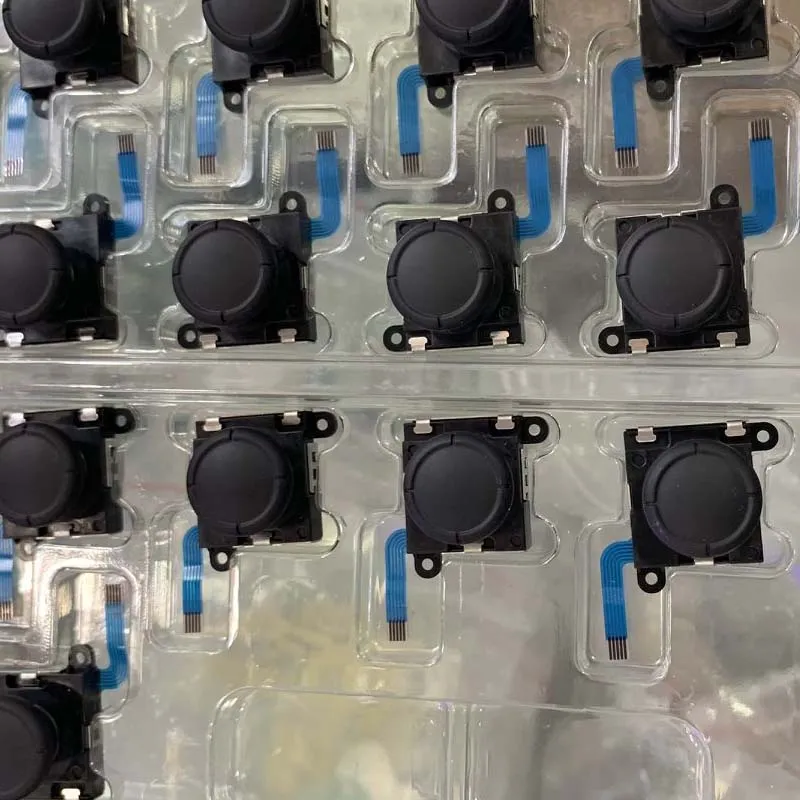
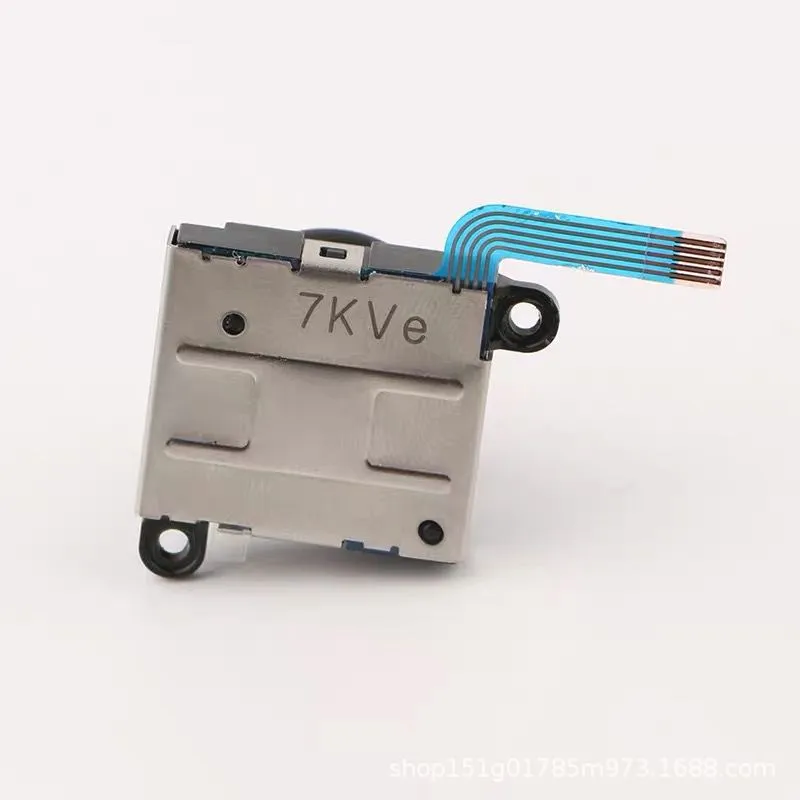
Gaming performance depends heavily on the precision of your hardware, and a NS Switch Joy-Con Joystick Replacement is the ultimate solution for those experiencing the common issue of controller drift. Over time, the internal sensors of a gaming controller can wear down, leading to phantom movements that disrupt your experience. By choosing a high-quality NS Switch Joy-Con Joystick Replacement, you can restore your Nintendo Switch to its original glory without the heavy expense of purchasing an entirely new set of controllers. This specific NS Switch Joy-Con Joystick Replacement is designed as a second-generation original part, ensuring that the tactile response and sensitivity match the factory standards you expect from premium gaming gear.
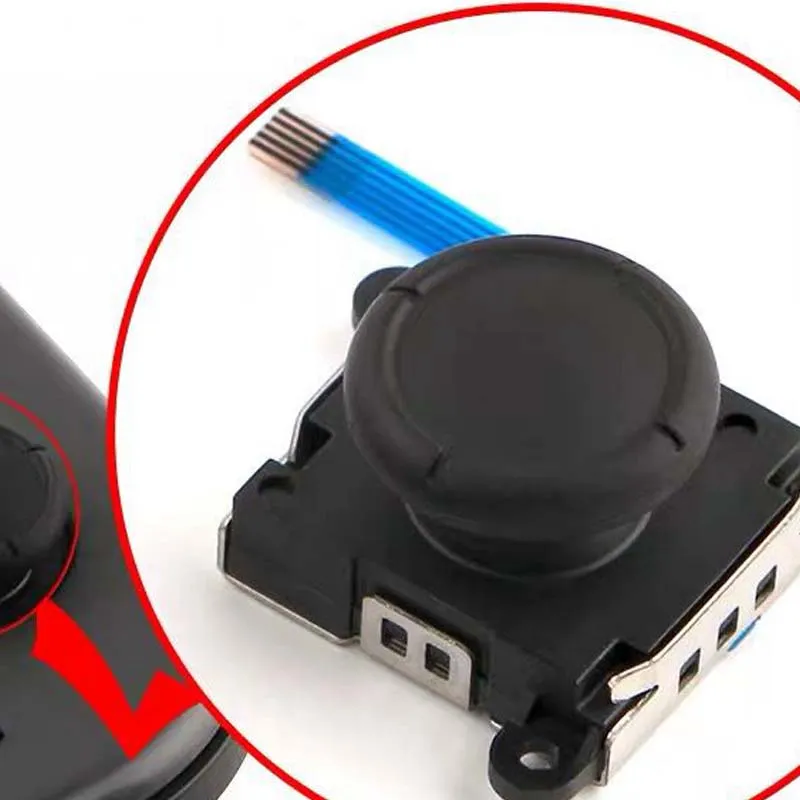
Controller drift is perhaps the most frustrating hurdle for any Switch owner, but a NS Switch Joy-Con Joystick Replacement offers a permanent fix. When you install this second-generation original rocker, you are replacing the worn-out carbon film and sensor brushes with brand-new, resilient components. This effectively eliminates unresponsive movements and erratic character behavior on screen. The compatibility of this NS Switch Joy-Con Joystick Replacement for both left and right handles makes it a versatile tool for any DIY repair enthusiast looking to maintain their console’s peak performance.
This second-generation module is an upgrade over the initial release, featuring improved dust resistance and more durable internal mechanics. When you hold a Joy-Con equipped with this NS Switch Joy-Con Joystick Replacement, you will immediately notice the smooth, 360-degree rotation that lacks the "grittiness" found in cheaper third-party alternatives. Because these parts are built to OEM specifications, they integrate perfectly with the existing motherboard of your Joy-Con, ensuring zero lag and precise dead-zone calibration for competitive play in titles like Smash Bros or Mario Kart.
| Feature | Specification Details |
| Product Model | NS Host Original Handle Joystick |
| Generation | Second Generation (Improved Internal Build) |
| Compatibility | Both Left and Right Joy-Con Controllers |
| Part Type | Brand New Original or Original Teardown |
| Function | Fixes Drift, Lag, and Unresponsive Input |
| Material | High-Grade Composite and Metal Sensors |
| Installation | DIY Friendly (Internal Component) |
The Nintendo Switch is celebrated for its portability and unique control scheme, but the Joy-Con sticks are notoriously delicate. Utilizing a NS Switch Joy-Con Joystick Replacement allows gamers to regain the surgical precision needed for platformers and first-person shooters. The installation of this rocker doesn't just fix a problem; it refreshes the entire feel of the controller. With the original teardown or brand-new second-generation options, you have the flexibility to choose the part that best fits your restoration needs, ensuring your gaming sessions remain immersive and frustration-free.
Instead of spending a large amount of money on new Joy-Cons, a NS Switch Joy-Con Joystick Replacement provides a budget-friendly alternative that doesn't compromise on quality. The universal design means you don't have to worry about buying specific "left" or "right" versions, as this part fits both sides perfectly. For many gamers, performing a DIY replacement is a rite of passage that increases their understanding of their hardware. With the right tools and this original replacement part, your controllers will feel as crisp as the day you unboxed your console.
While there are many generic replacements available on the market, only an original NS Switch Joy-Con Joystick Replacement guarantees the longevity required for hardcore gaming. The internal springs and contact pads in the second-generation model are tested for millions of cycles, reducing the likelihood of the drift recurring shortly after repair. This reliability is why professional repair shops prefer original modules over generic ones. Investing in the right part now saves time and effort in the long run, keeping your Joy-Cons in top-tier condition for years to come.
[BUYER_GUIDE]
When you are facing the dreaded "Joy-Con drift," the first thing you need to evaluate is the source of your replacement parts. In the gaming world, the difference between an original part and a cheap imitation is vast. An original NS Switch Joy-Con Joystick Replacement uses high-quality carbon tracks and specialized metal brushes that are designed to handle thousands of hours of friction. If you buy a low-quality third-party stick, you might find that the drift returns within a few weeks because the materials are too soft and wear down quickly. Always prioritize "Original Second Generation" or "Original Teardown" parts because they come from the same production lines that supply the gaming giants, ensuring the sensitivity and physical resistance are exactly what your muscle memory is used to.
The second important consideration for a buyer is the installation process and the tools required. To install a NS Switch Joy-Con Joystick Replacement, you will typically need a Tri-wing (Y-shape) screwdriver and a small Phillips head screwdriver. It is vital to be careful during the disassembly process because the internal ribbon cables of the Joy-Con are extremely thin and fragile. When you open the shell, you must slowly disconnect the battery and the mid-frame before you can access the joystick module. If you are a beginner, it is highly recommended to follow a step-by-step video guide while performing the repair. The beauty of this original part is that it is a "plug and play" component; once you slide the ribbon cable into the ZIF connector and lock it, the system recognizes it immediately without needing complex software recalibration.
Thirdly, you should consider the benefit of the "Second Generation" design. This version was released specifically to address the flaws of the initial joystick modules. The internal housing is tighter, which prevents dust and skin oils from entering the sensor area—a common cause of input errors. When choosing between the "Brand New Original" and the "Original Teardown," keep in mind that teardown parts are often harvested from unused consoles and are perfectly functional, but brand-new parts offer the maximum possible lifespan. Both options are interchangeable between the left and right sides, which simplifies the buying process. You don't have to keep track of different SKU numbers for each side of your console.
Furthermore, environmental factors play a huge role in the health of your joysticks. Even after you install a high-quality NS Switch Joy-Con Joystick Replacement, you should maintain a clean gaming environment. Dust and pet hair are the enemies of analog sensors. Many pro gamers use a small carrying case to store their Switch when not in use to prevent particles from settling into the joystick gaps. Additionally, avoid using harsh chemicals or excessive liquids when cleaning around the buttons. If you feel the stick becoming slightly stiff over time, a quick blast of compressed air can often clear out any minor debris before it causes a hardware failure.
Lastly, think about the long-term value of your Nintendo Switch console. A console with drifting or broken joysticks has a significantly lower resale value and is frustrating to use. By maintaining your hardware with original replacement parts, you are preserving the integrity of the device. Whether you are fixing it to play the latest Zelda or Pokémon game, or you are preparing to sell it to upgrade to a newer model, having functional, original-quality joysticks is essential. This repair is one of the most cost-effective ways to extend the life of your gaming setup, and it provides a great deal of satisfaction knowing you fixed it yourself with the best parts available.
[FAQS]
Q: Will this joystick fix the movement drift on my Nintendo Switch?
A: Yes, replacing your old module with this original NS Switch Joy-Con Joystick Replacement is the most effective way to permanently fix drift issues caused by worn-out internal sensors.
Q: Is there a difference between the left and right side joysticks?
A: No, these original joystick modules are universal. The same part works perfectly for both the left Joy-Con and the right Joy-Con, making it easy to order for whichever side is broken.
Q: Do I need special tools to install this replacement part?
A: Yes, you will need a Tri-wing screwdriver to open the outer casing of the Joy-Con and a small Phillips head screwdriver for the internal screws. These are standard tools for Nintendo repairs.
Q: Is the second-generation version better than the first one?
A: Absolutely. The second-generation original part features an improved internal structure that is more resistant to wear and dust, which helps prevent the drift issue from happening again as quickly.
Q: Can I use this for the Nintendo Switch Lite as well?
A: Yes, the internal joystick modules used in the Nintendo Switch Lite are compatible with the standard Joy-Con joystick replacements, allowing you to fix Lite consoles using the same part.
Q: How difficult is the DIY installation process for a beginner?
A: It requires patience and a steady hand because of the small ribbon cables. While it is considered a medium-difficulty repair, most gamers can complete it in about 20 to 30 minutes by following a guide.
Q: Does the joystick feel the same as the one that came with the console?
A: Since this is an original part (or teardown of an original), it provides the exact same tension, tactile feel, and accuracy as the sticks that were originally installed in your controllers.
Q: What is the benefit of buying an "Original Teardown" part?
A: Original teardown parts are genuine components taken from official consoles. They are often preferred by purists who want guaranteed OEM performance at a slightly more competitive price point.
We deliver your orders quickly, safely, and securely. Most orders arrive within 7–21 working days. Local deliveries may arrive sooner.
Delivery times may vary based on location, order volume, and courier schedules. Some rural areas may take longer.
If your order hasn't arrived within the estimated timeframe, please contact us: contact@giftdeal.com.au
No FAQs available for this product yet.
Buyer guide not available for this product.