

Computer & Office
Upgrade Your Workspace
Discover premium computer essentials and office supplies designed to boost your productivity and style.
Explore Gear
.webp)
Discover premium computer essentials and office supplies designed to boost your productivity and style.
Explore Gear
Standard delivery charges apply.
Secure handling guaranteed.
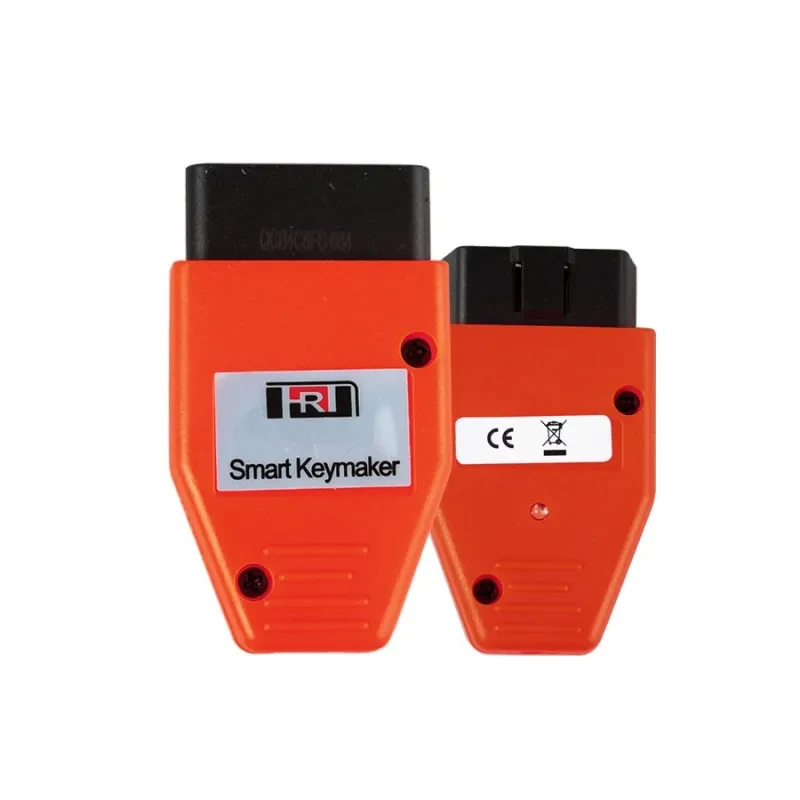
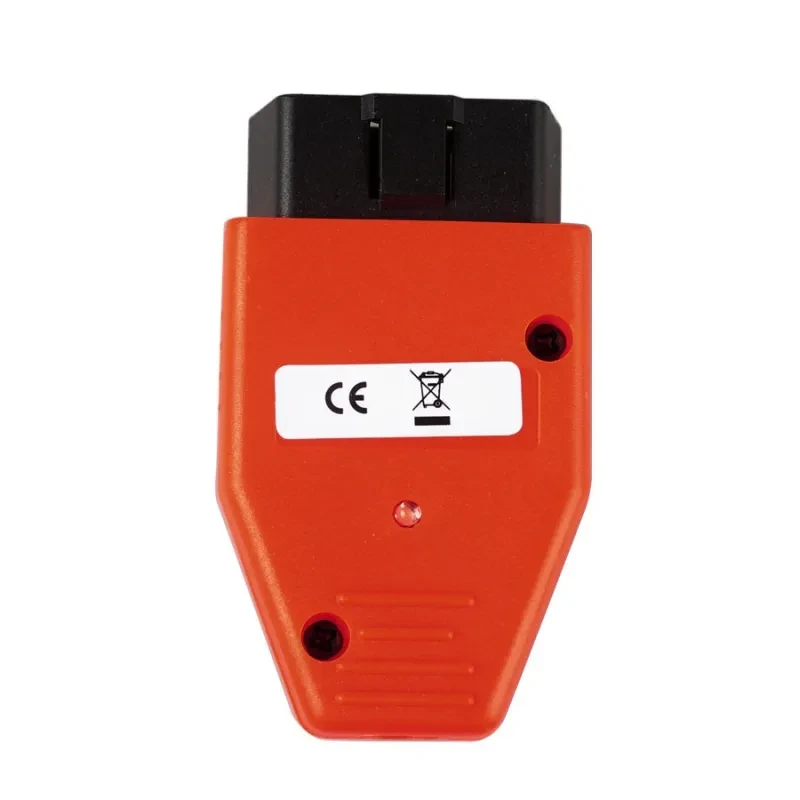
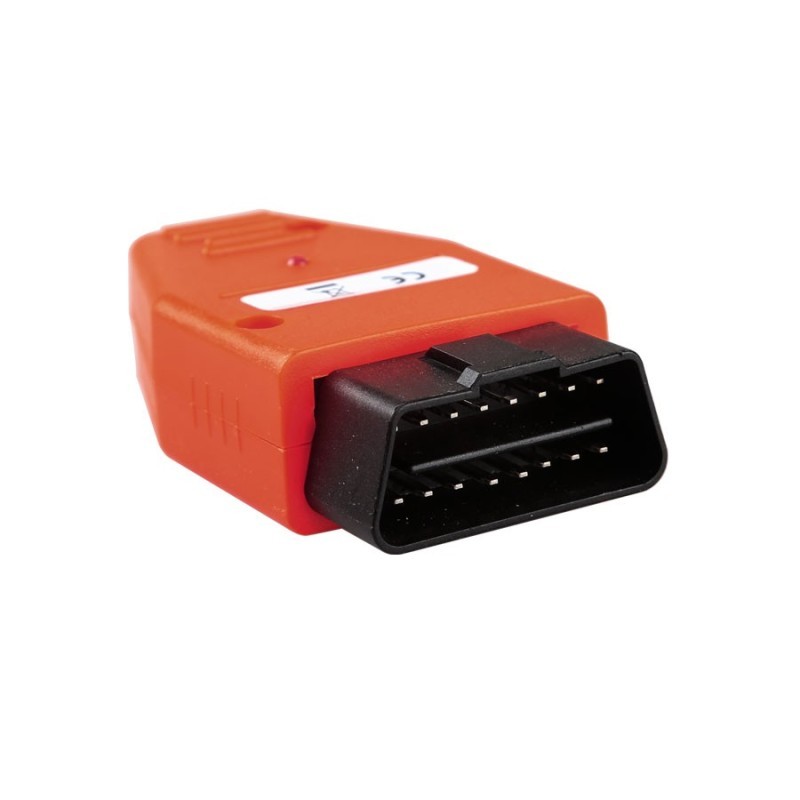
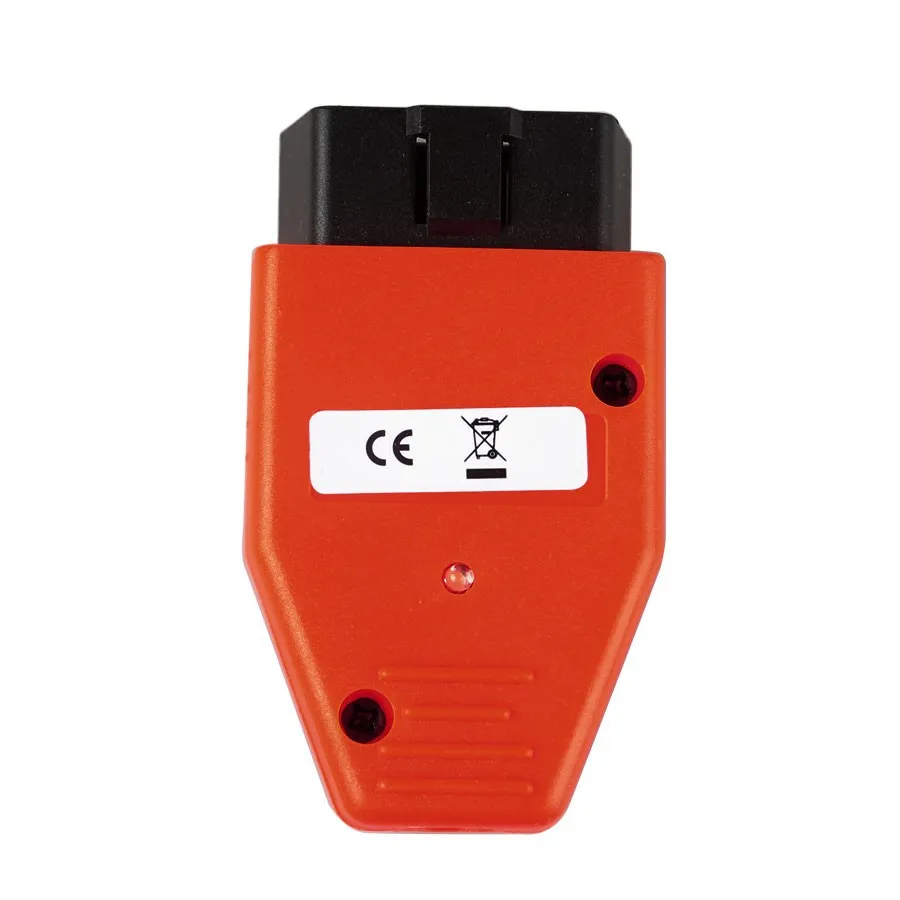
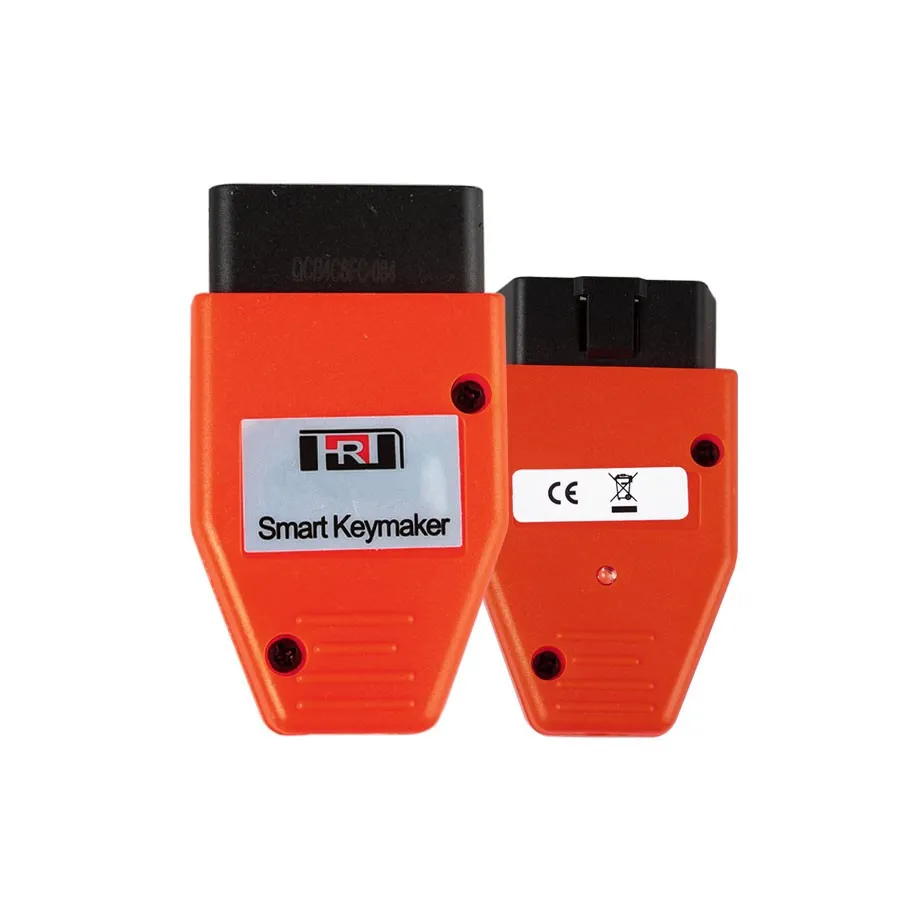
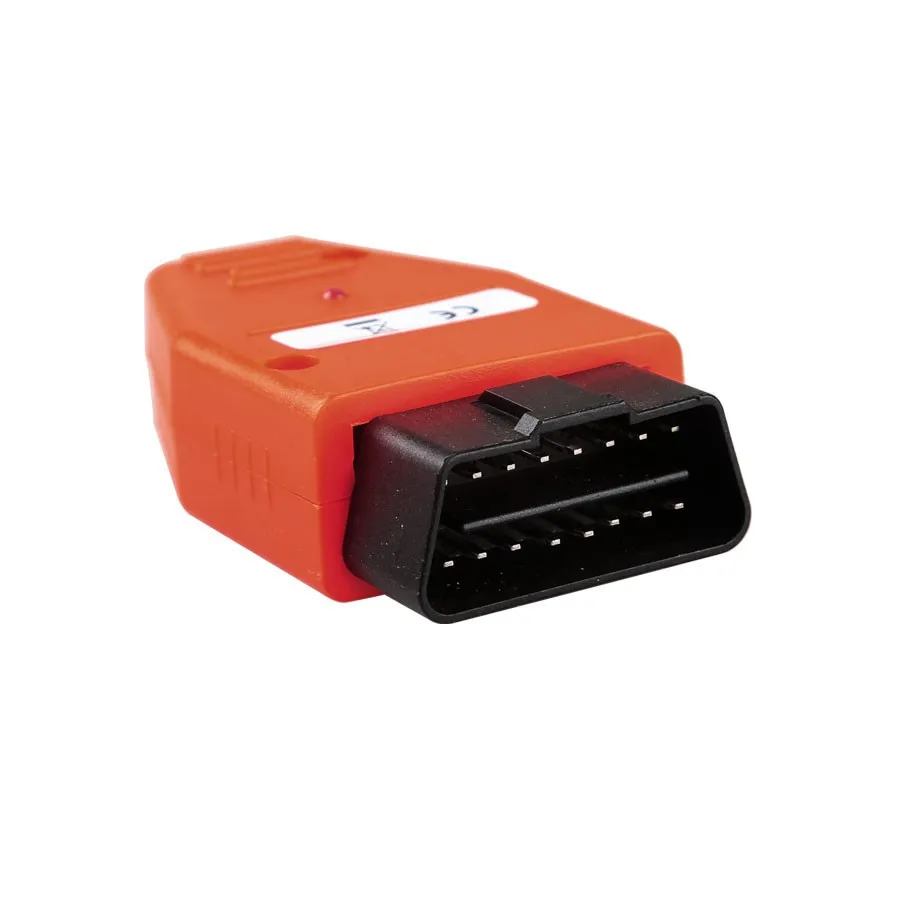
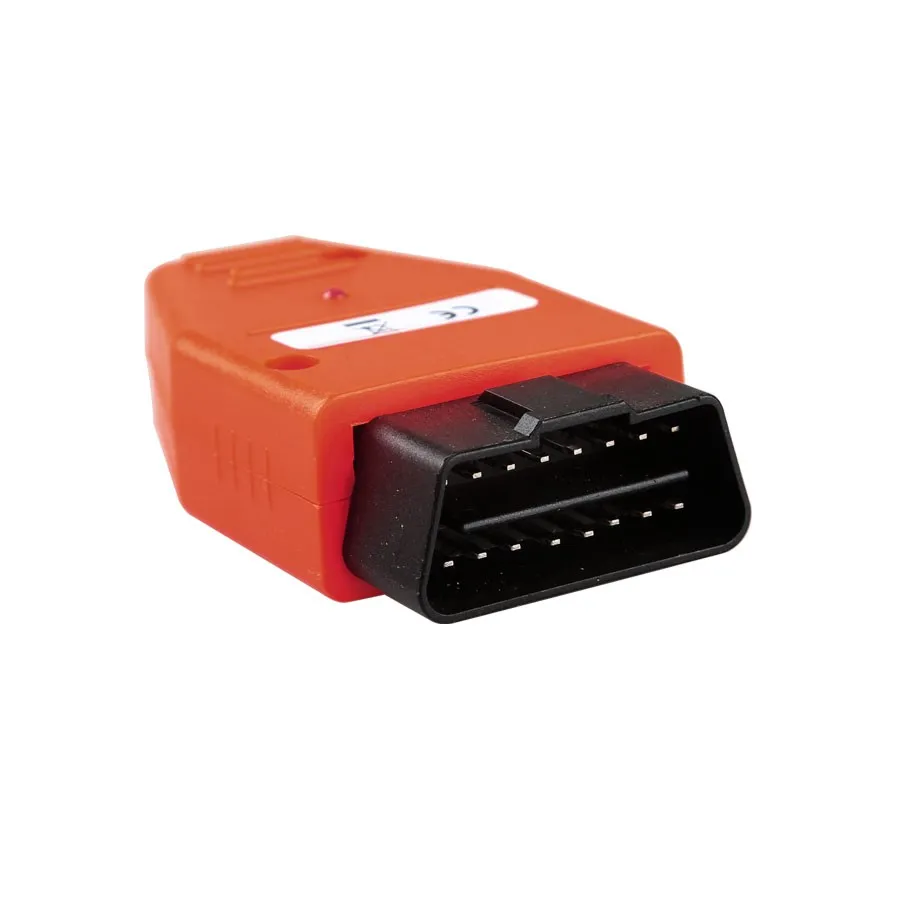
Effortlessly program new smart keys for your Toyota with the Smart Key Maker for 4D and 4C chips. This compact and powerful OBD2 device is designed to simplify key programming for vehicles equipped with IV K or V CANBUS anti-theft systems. Whether you're adding a new key, programming a smart key, or recovering access when all keys are lost, this tool provides an efficient, user-friendly solution.
Using your primary key, you can easily add additional keys by connecting the device to your car’s OBD port. The tool automatically detects your system and guides you through the key-adding process with audio beeps and indicator lights. For smart key programming, simply follow the step-by-step method to register new keys — ideal for professional locksmiths and DIY car owners alike.
If all keys are lost, the device enables a full initialization mode, allowing you to reprogram smart keys from scratch. Built with durable plastic housing and intuitive design, this key maker ensures secure communication with your vehicle’s anti-theft module and fast, reliable performance. Compact and portable, it’s a must-have tool for anyone dealing with Toyota key systems.
Product information:
Function:
1. Use the primary key to add other keys:
Connect the programmer to the OBD interface of the car, there will be a short beep after power-on, and it will enter the auto-searching
state.
Press the start key twice to wake up the anti-theft module. After 7 seconds, after successfully connecting with the module, there will be
long beeps 4-5 beeps (4 beeps indicate the system is IV K system, 5 beeps indicate V CANBUS system). After waiting for 30 seconds, there is a
long beep, indicating that the car has entered the state of adding keys.
2. Add smart key:
Connect the original car key (the side with the logo) to the start button, and you should hear two beeps. The SEC light will flash twice;
within 5 seconds, move the key close to the start button, you should hear 2 beeps, and the SEC light will flash 2 times; after learning all
the smart keys, wait 30 seconds until the SEC light starts to flash and the car will The adaptation mode is turned off automatically.
3. If all keys are lost or there is only the secondary key, it needs to be initialized:
Long press the LED button, plug it into the OBD port of the car, and after two short beeps, press it to enter the auto-searching state.
Press the start button twice to wake up the anti-theft computer. After 7 seconds, the connection with the car computer is successful, and
there will be 4-5 long beeps (4 beeps indicate the system is IV K system, 5 beeps indicate V CANBUS system), and after 5 seconds, the LED
lights will light up. Wait for 10-16 minutes, a long beep will sound, and the LED light will flash, indicating that the car has entered the
learning key state.
Full key loss matching mode: add each smart key (with logo side) that needs to be programmed to access the start button, and you will hear
two beeps at the same time. The SEC light will be on twice; after learning all the smart keys, wait for 30 seconds until the SEC light is
on, the system will automatically turn off the learning state
Material: plastic
Packing list:
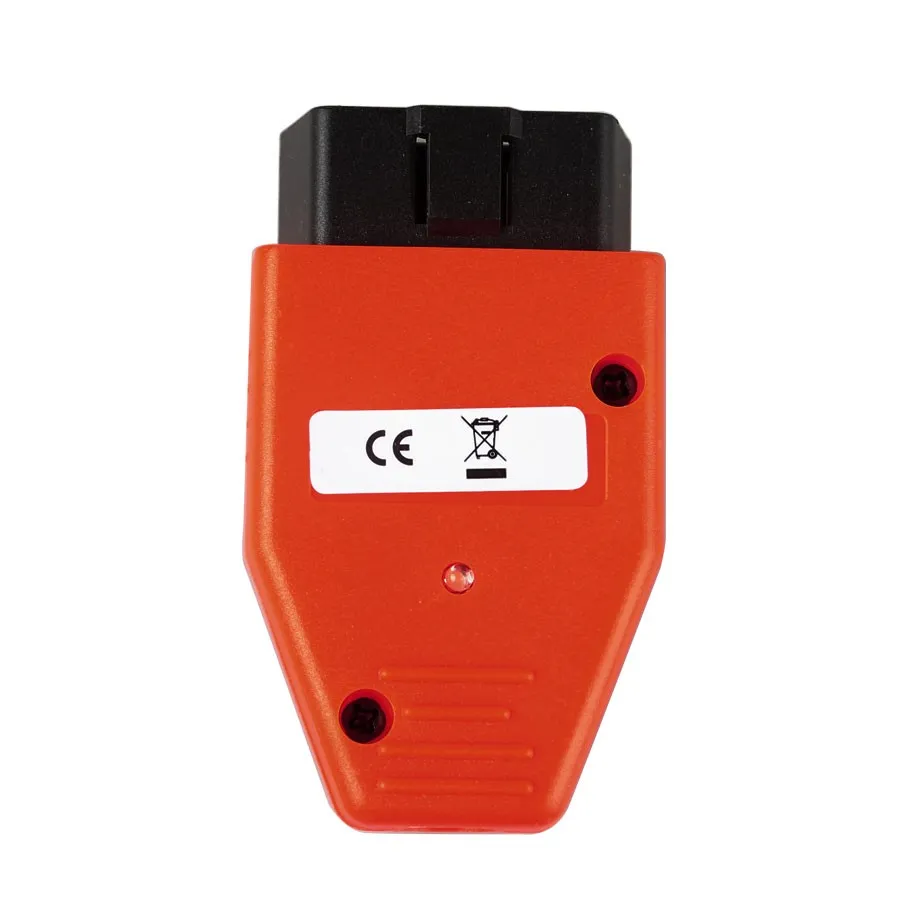
1 x For Toyota 4D Chip OBD2 Keymaker
We deliver your orders quickly, safely, and securely. Most orders arrive within 7–21 working days. Local deliveries may arrive sooner.
Delivery times may vary based on location, order volume, and courier schedules. Some rural areas may take longer.
If your order hasn't arrived within the estimated timeframe, please contact us: contact@giftdeal.com.au
No FAQs available for this product yet.
Buyer guide not available for this product.