

Computer & Office
Upgrade Your Workspace
Discover premium computer essentials and office supplies designed to boost your productivity and style.
Explore Gear
.webp)
Discover premium computer essentials and office supplies designed to boost your productivity and style.
Explore Gear


Standard delivery charges apply.
Secure handling guaranteed.
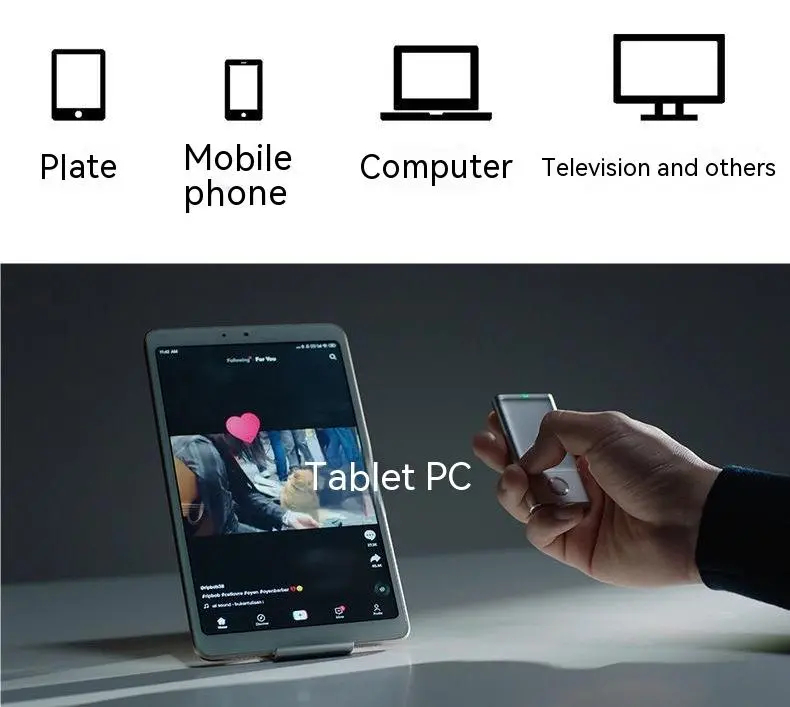
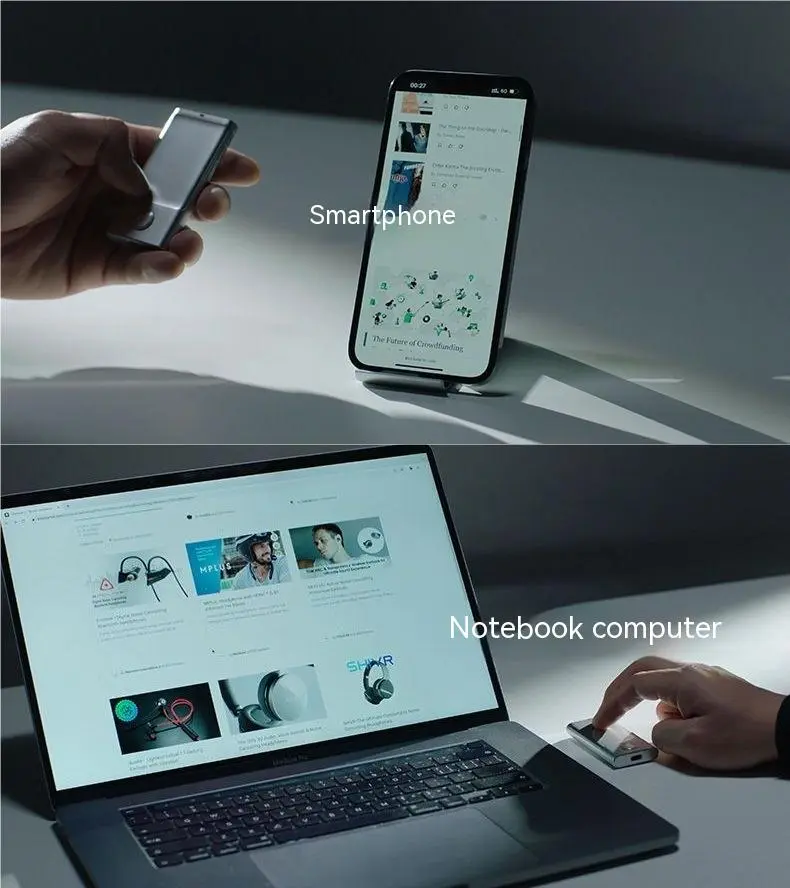
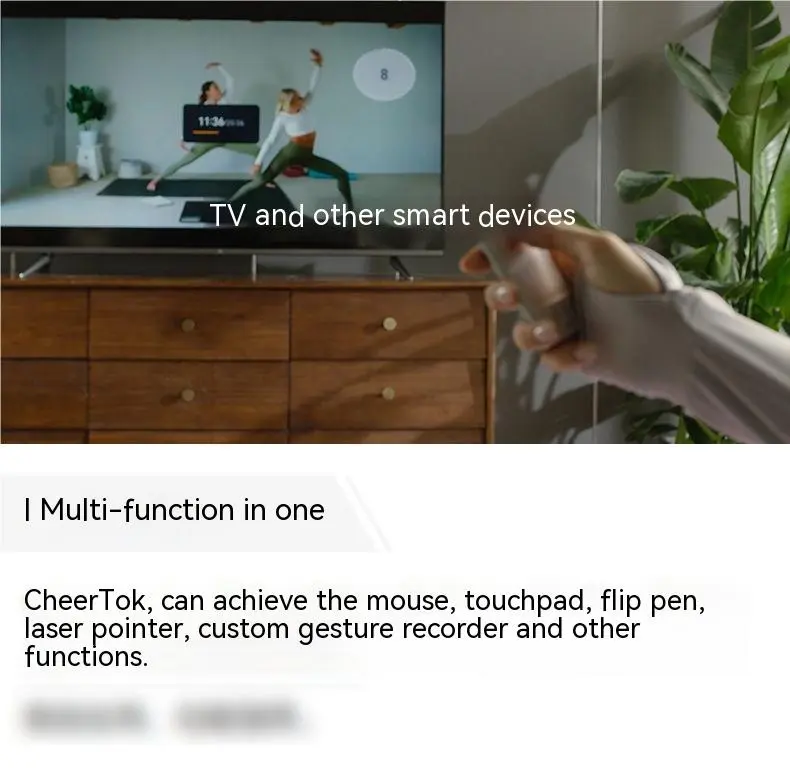
The Smartphone Laser Remote Control is a cutting-edge, multifunctional tool designed to bridge the gap between your mobile device and your professional presentations. This sleek Smartphone Laser Remote Control functions as a high-precision laser pointer, a wireless mobile remote, and a touch-sensitive mouse, all contained within a portable pen-style body. With a reliable signal range of up to 10 meters, it allows speakers and teachers to move freely around the room while maintaining complete control over their digital content. Whether you are scrolling through social media, managing complex slideshows, or pointing out key data, this Smartphone Laser Remote Control brings professional-grade productivity to the palm of your hand.
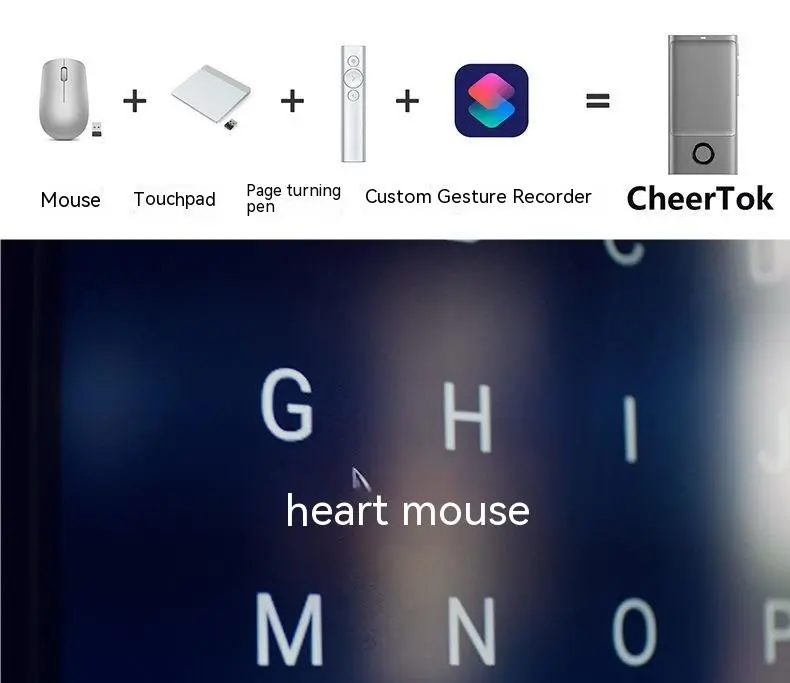
At the heart of this device is a safe and effective 1mW laser pointer, perfect for highlighting specific details on a screen or whiteboard without any lag. The pen also doubles as a wireless mouse, allowing for smooth navigation and touch-sensitive control directly on your smartphone or tablet interface. This versatility makes it an all-in-one solution for boardrooms, classrooms, and remote teaching setups where precision is paramount. Its compact design ensures it fits comfortably in a pocket, making it an essential accessory for content creators and traveling professionals who need a powerful tool that doesn't add bulk to their gear.
Engineered for the modern professional, this remote features a built-in 200mAh battery that provides incredible longevity. On a single 1.5-hour charge, the device offers up to 20 days of usage, ensuring you are always ready for your next big presentation. The 4.2V fast-charging input minimizes downtime, so even a quick top-up can get you through a full day of meetings. This reliable power management eliminates the need for frequent recharging or carrying spare batteries, making it a dependable choice for intensive daily use in fast-paced environments.
| Technical Specification | Detail Description |
| Primary Purpose | Wireless Mobile Phone Remote Control |
| Laser Power | 1mW Safe Effective Pointing |
| Signal Range | Up to 10 Meters (Wireless) |
| Battery Capacity | 200mAh Built-in Rechargeable |
| Charging Voltage | 4.2V High-Efficiency Input |
| Charging Time | 1.5 Hours for Full Capacity |
| Battery Life | Up to 20 Days of Standard Usage |
| Package Includes | 1x Wireless Mouse Pen |
This device is specifically tailored to enhance how you interact with technology. Content creators can use the remote to start and stop recordings or scroll through scripts from a distance, while teachers can engage with students away from their podiums. The seamless integration of mouse and pointer functions allows for more dynamic storytelling and clearer communication. It is not just a pointer; it is a productivity hub that streamlines digital control, making it easier to manage media streaming, document navigation, and smartphone apps with just a few intuitive clicks.
The modern, minimalist aesthetic of the Smartphone Laser Remote Control ensures it looks professional in any setting, from corporate boardrooms to casual home studios. Its lightweight build (Adapter/Adapter Wire size equivalent) means you can use it for hours without hand fatigue. The pen-style grip is ergonomic and familiar, allowing for natural movements during a presentation. By combining three essential tools into one pocket-sized device, it simplifies your tech bag and ensures you have everything you need for digital precision whenever inspiration or duty strikes.
[BUYER_GUIDE]
Choosing the right Smartphone Laser Remote Control can significantly improve how you manage presentations, control your phone remotely, and interact with digital content. Whether you are a teacher, business professional, content creator, or public speaker, a high-quality smartphone laser remote control can make your workflow smoother and more professional. This buyer’s guide will help you understand everything you need to know before purchasing the best device for your needs.
A Smartphone Laser Remote Control is a compact wireless device designed to help users control their smartphone functions remotely while also providing a laser pointer for presentations. It usually combines multiple functions such as a wireless mouse, laser pointer, and remote controller in a single portable device.
These devices are particularly useful for people who frequently give presentations, conduct training sessions, or create content. With a smartphone laser remote control, you can move freely around a room while still controlling slides, scrolling through apps, or highlighting important information on a screen.
The modern versions are designed to work seamlessly with smartphones and tablets, allowing smooth navigation and touch-sensitive interaction without directly touching your phone.
Many professionals rely on their smartphones for presentations, teaching materials, and video demonstrations. However, controlling everything directly from the phone can limit mobility and reduce presentation quality.
A Smartphone Laser Remote Control solves these problems by giving you the freedom to control your device from a distance.
Some key benefits include:
You can move around the room while presenting instead of standing next to your phone or laptop. This makes presentations more engaging and interactive.
A laser pointer allows you to highlight important details on slides, charts, or documents, helping your audience stay focused on the most important information.
Using a remote control device helps create a smoother and more professional presentation experience without interruptions.
Many models combine laser pointer, wireless mouse, and remote control features, reducing the need to carry multiple devices.
When choosing the best Smartphone Laser Remote Control, it is important to consider several features that affect performance, convenience, and usability.
One of the most important features is the wireless signal range. Most high-quality devices offer a range of up to 10 meters, which is perfect for classrooms, conference rooms, and meeting spaces.
A reliable connection ensures that the device responds instantly to your commands without delays or interruptions.
When buying a remote control pen, always check:
A stable wireless connection is essential for smooth presentations.
The laser pointer is a core feature of this device. It helps highlight important information on slides, documents, or whiteboards.
Most devices use a 1mW laser pointer, which is considered safe and effective for presentation purposes. A high-quality laser pointer should provide:
Make sure the laser is bright enough to be visible in both dim and moderately lit environments.
A major advantage of modern smartphone laser remote controls is their wireless mouse capability.
This allows users to:
This feature is especially useful for content creators, presenters, and online educators who need complete control of their device from a distance.
Touch-sensitive mouse functionality adds even more flexibility, making navigation smooth and intuitive.
Battery performance is another critical factor when selecting a Smartphone Laser Remote Control.
Most quality devices include a built-in rechargeable battery, typically around 200mAh capacity. This battery size is sufficient to provide long usage without frequent charging.
Look for devices that offer:
A good model can last up to 20 days on a single charge, depending on usage.
Rechargeable batteries are also more convenient because you don’t need to buy or replace disposable batteries.
Portability is a major advantage of pen-style remote controls.
A good Smartphone Laser Remote Control should be:
The pen-style design also makes it comfortable to hold during long presentations.
Ergonomic grip ensures natural hand movement and prevents hand fatigue, especially during extended use.
Before purchasing, make sure the device supports your smartphone operating system.
Many remotes are compatible with:
Compatibility ensures that the device will work seamlessly with your preferred apps and presentation tools.
This device is designed for professionals who regularly interact with digital content and presentations.
Teachers often need to move around the classroom while explaining slides or digital material.
A smartphone laser remote control allows educators to:
This makes lessons more dynamic and interactive.
In corporate environments, presentations are a daily activity.
Using a remote control pen helps professionals maintain control of their slides while confidently addressing an audience.
It also improves presentation flow and professionalism.
Content creators and video presenters can use this device to control their smartphone while recording videos or live streams.
It allows them to:
This improves efficiency and reduces interruptions during recording sessions.
Public speakers and trainers benefit from the mobility that a wireless remote provides.
They can walk around the stage or training room while still maintaining full control over their presentation.
Investing in a high-quality remote control device provides several advantages.
With remote control features and wireless navigation, users can complete tasks faster and more efficiently.
Instead of constantly touching your phone, you can control everything remotely, which helps maintain presentation flow.
Rather than carrying separate tools like a mouse and laser pointer, you have everything in one portable device.
Using a presentation remote gives a more polished and professional impression during meetings and lectures.
When selecting the right Smartphone Laser Remote Control, keep these tips in mind:
Following these guidelines will help you find a device that delivers excellent performance and long-term reliability.
A Smartphone Laser Remote Control is an incredibly useful tool for professionals who rely on presentations, teaching materials, or digital content management. By combining a laser pointer, wireless mouse, and remote control functions, it simplifies how users interact with their smartphones and presentation tools.
When choosing the right model, focus on important factors such as wireless range, battery life, laser pointer quality, compatibility, and ergonomic design. These features ensure smooth performance and reliable operation during presentations or content creation.
Whether you are a teacher, business professional, content creator, or public speaker, investing in a high-quality smartphone laser remote control can dramatically improve your workflow and presentation experience.
With the right device in your pocket, you will always have the tools you need to deliver confident, engaging, and professional presentations anytime and anywhere.
[FAQS]
Q: Can I use this Smartphone Laser Remote Control to scroll through TikTok or Instagram?
A: Yes, the wireless mobile remote function allows you to scroll through social media apps and even like or play/pause videos from up to 10 meters away.
Q: Does it work with both Android and iPhones?
A: This device is designed as a universal wireless mobile phone remote, making it compatible with most modern smartphones that support wireless mouse and remote interfaces.
Q: How do I know when the 200mAh battery needs charging?
A: While the battery lasts up to 20 days, you can simply plug it in for 1.5 hours using a 4.2V input to ensure it is at full capacity before an important event.
Q: Is the 1mW laser safe for use in small classrooms?
A: Yes, 1mW is a standard power level for presentation pointers, designed to be visible on screens while remaining safe for professional and educational environments.
Q: Does the package include a charging cable?
A: The packing list includes the 1pc Wireless Mouse/Pointer pen itself. Standard charging setups are typically used via the 4.2V charging port.
We deliver your orders quickly, safely, and securely. Most orders arrive within 7–21 working days. Local deliveries may arrive sooner.
Delivery times may vary based on location, order volume, and courier schedules. Some rural areas may take longer.
If your order hasn't arrived within the estimated timeframe, please contact us: contact@giftdeal.com.au
No FAQs available for this product yet.
Buyer guide not available for this product.