.webp)
.webp)
Standard delivery charges apply.
Secure handling guaranteed.
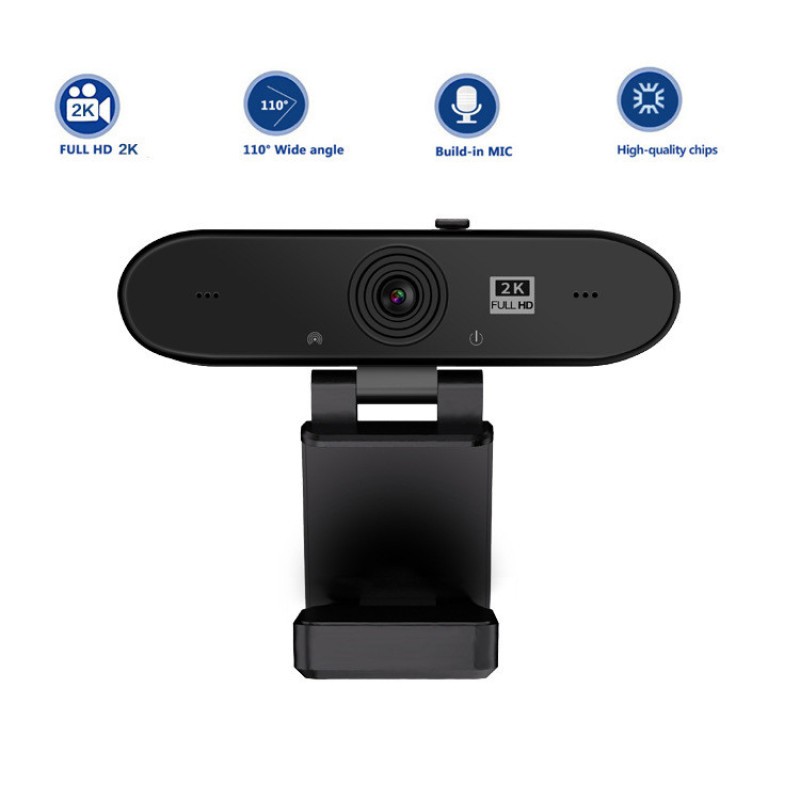
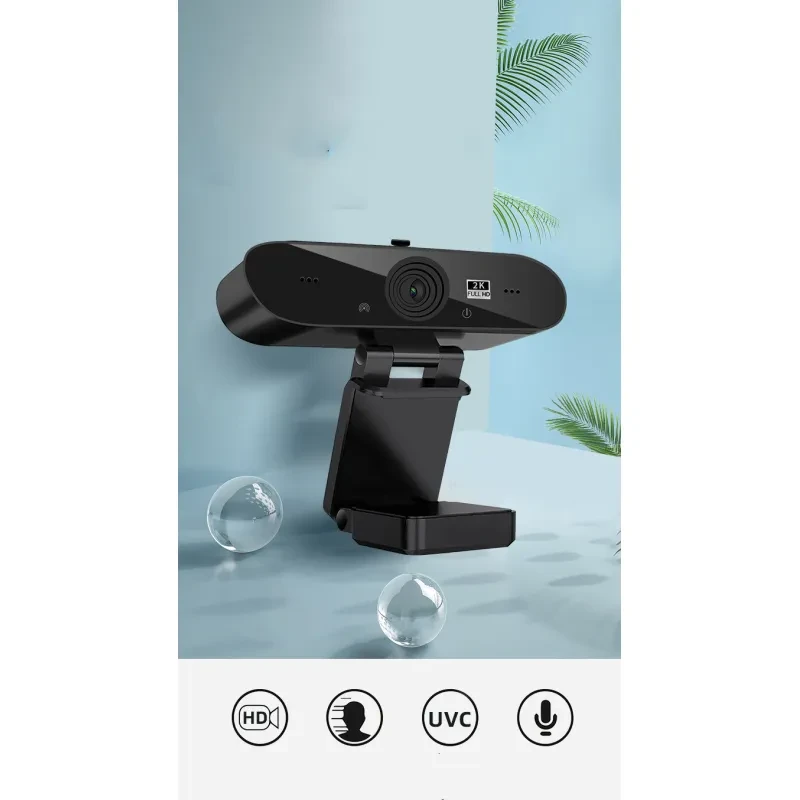
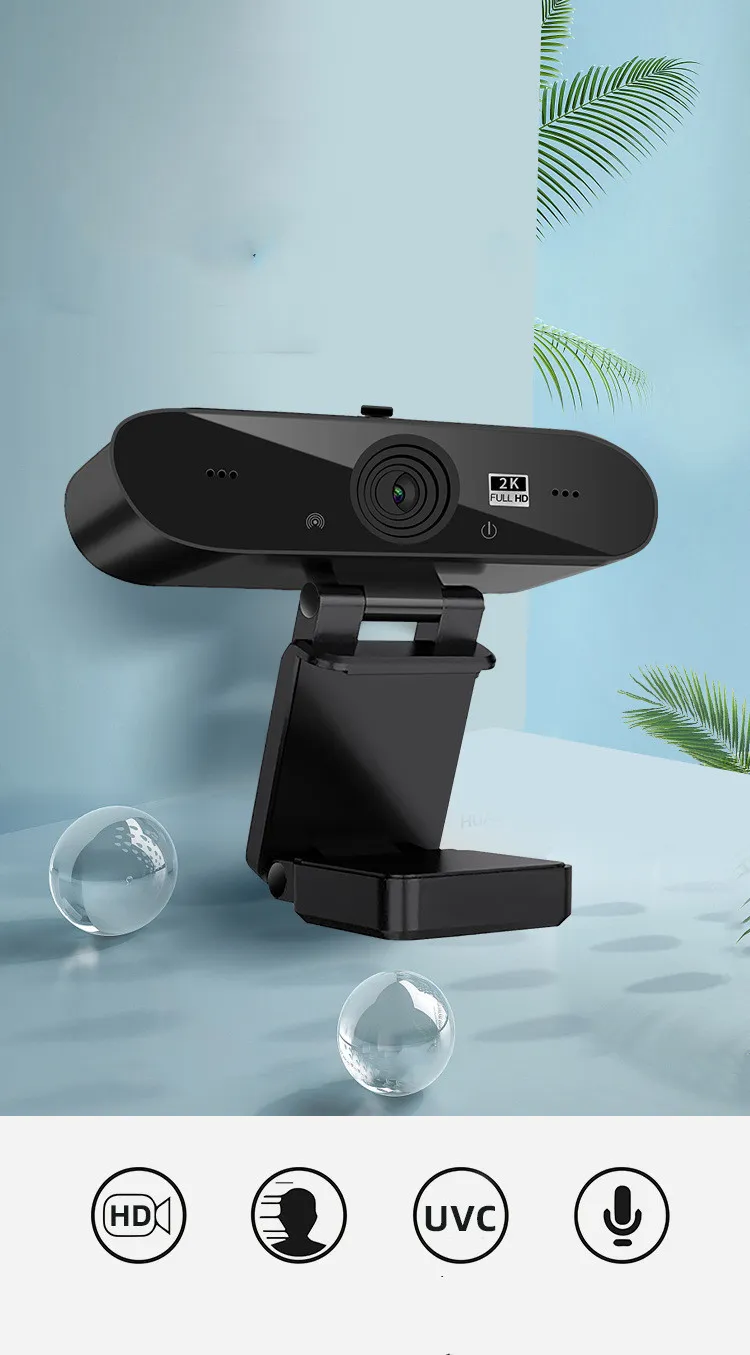
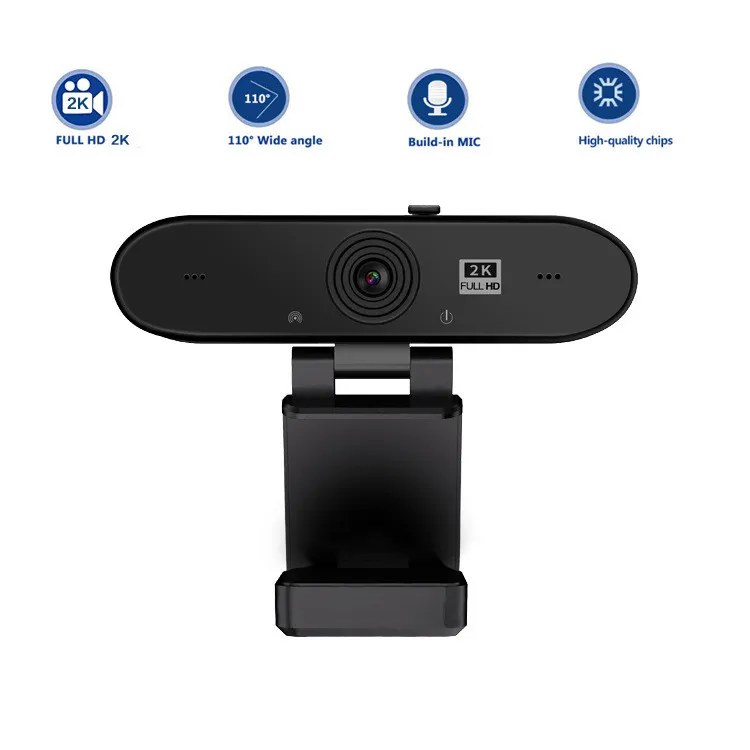
Blurry video and muffled audio can make even simple meetings feel frustrating. The Computer HD Real-Time Conference Webcam brings crisp 2K resolution and a built in microphone together, so you’re seen and heard properly every time. Whether you’re working from home, joining online classes, or catching up with family, this compact USB camera keeps things smooth and reliable. It connects quickly, sits neatly on your monitor, and delivers consistent performance without complicated setup. And once you start using it, you’ll wonder how you ever managed with that grainy laptop camera.
Image quality is where this webcam really shines. With 2K resolution, you get sharper detail compared to standard HD webcams. That means clearer facial features, better colour accuracy, and a more professional appearance during video calls. Lighting conditions can vary throughout the day, especially in Australian homes, but higher resolution helps maintain clarity even when things are not perfect.
Audio matters just as much, and the built in microphone handles everyday conversations well. It captures your voice clearly without needing an external mic, which keeps your desk setup simple. For meetings on platforms like Zoom or Microsoft Teams, that convenience is a big plus.
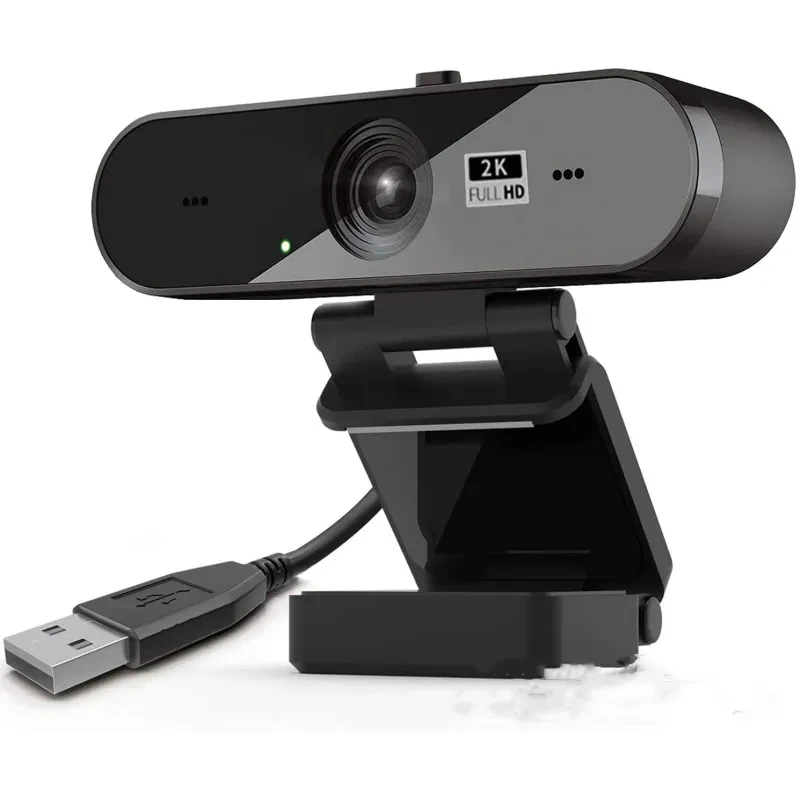
Connection is straightforward thanks to the USB 2.0 interface. You plug it into your computer, and it’s ready to go with most operating systems. No complicated drivers or technical setup required, which is ideal if you just want something that works straight away.
The 1.5 metre cable gives you flexibility in positioning. You can adjust the camera angle or move it slightly away from your screen to get the best framing. That little bit of extra length makes a difference when setting up your workspace.
Build quality is solid too. The ABS material keeps the webcam lightweight but durable enough for daily use. It feels sturdy without being bulky, which suits both home offices and portable setups.
And then there’s the real time performance. Video and audio stay in sync, which is crucial for professional communication. No awkward delays or mismatched sound. It just works the way you expect.
Remote workers who rely on video calls every day will appreciate the upgrade in both clarity and audio. It helps you present yourself professionally without investing in complex equipment.
Students attending online classes or virtual lectures will find it useful as well. Clear video and sound make participation easier, especially during group discussions or presentations.
Content creators starting out with streaming or recording will also benefit. It’s a simple way to improve video quality without diving into expensive gear.
And if you just enjoy staying connected with friends and family through video chats, this webcam makes those moments feel more natural and engaging.
Inside the package you’ll find:
• 1 webcam unit
• User manual
Resolution: 2K HD video output
Interface: USB 2.0 connectivity
Material: ABS construction
Cable length: 1.5 metres
Audio: Built in microphone for voice capture
Compatibility: Works with most desktops and laptops supporting USB input
GiftDeal has been supporting Australians since 2020 with practical tech that fits everyday life. We understand that reliable video communication is now part of work, study, and staying connected. That’s why we focus on straightforward, dependable gear like this webcam. Orders are dispatched quickly across Australia, so you won’t be waiting long to upgrade your setup. And if something’s not quite right, returns are simple to arrange. It’s all about making tech upgrades easy and stress free.
If you’re setting up a workspace, you might also want to explore our laptop stands, desk organisers, and LED ring lights to round out your setup.
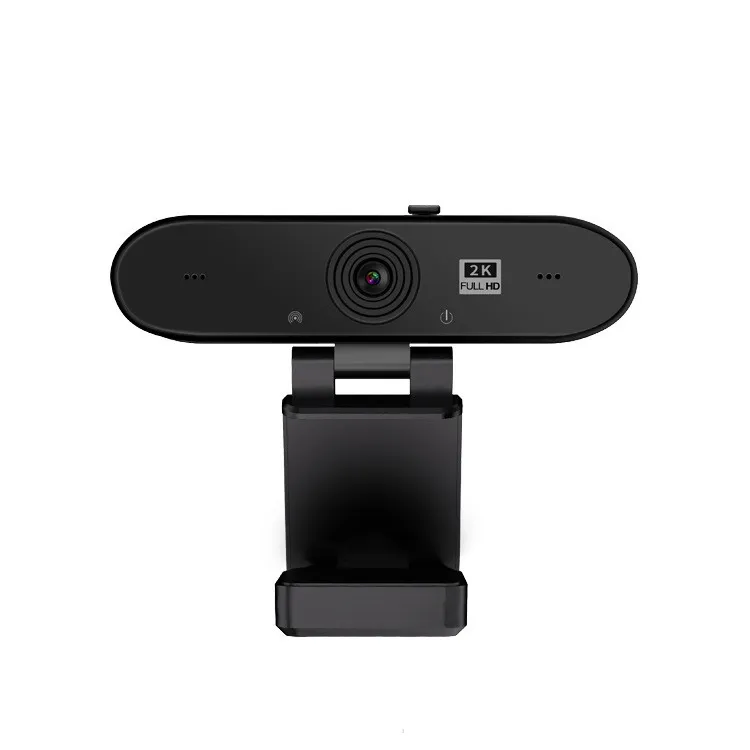
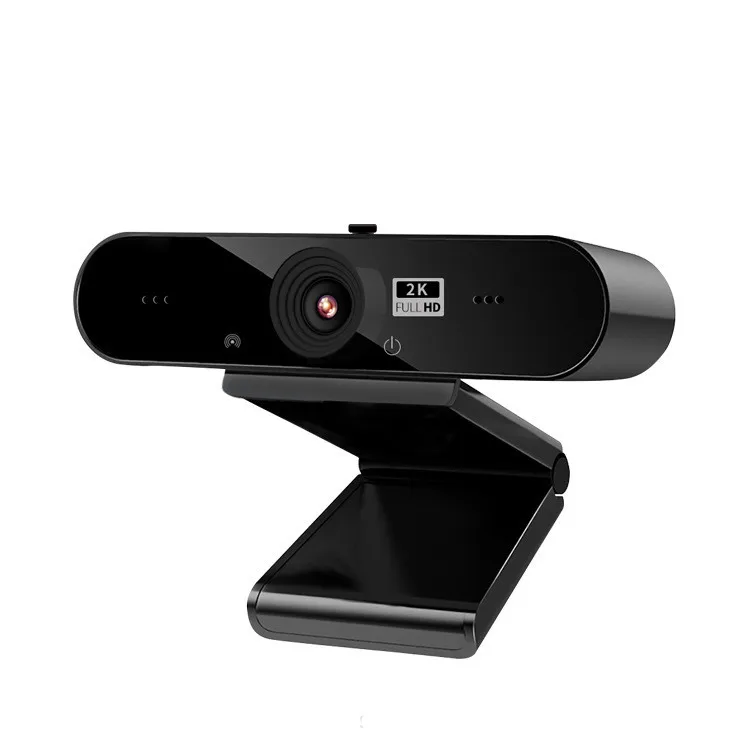
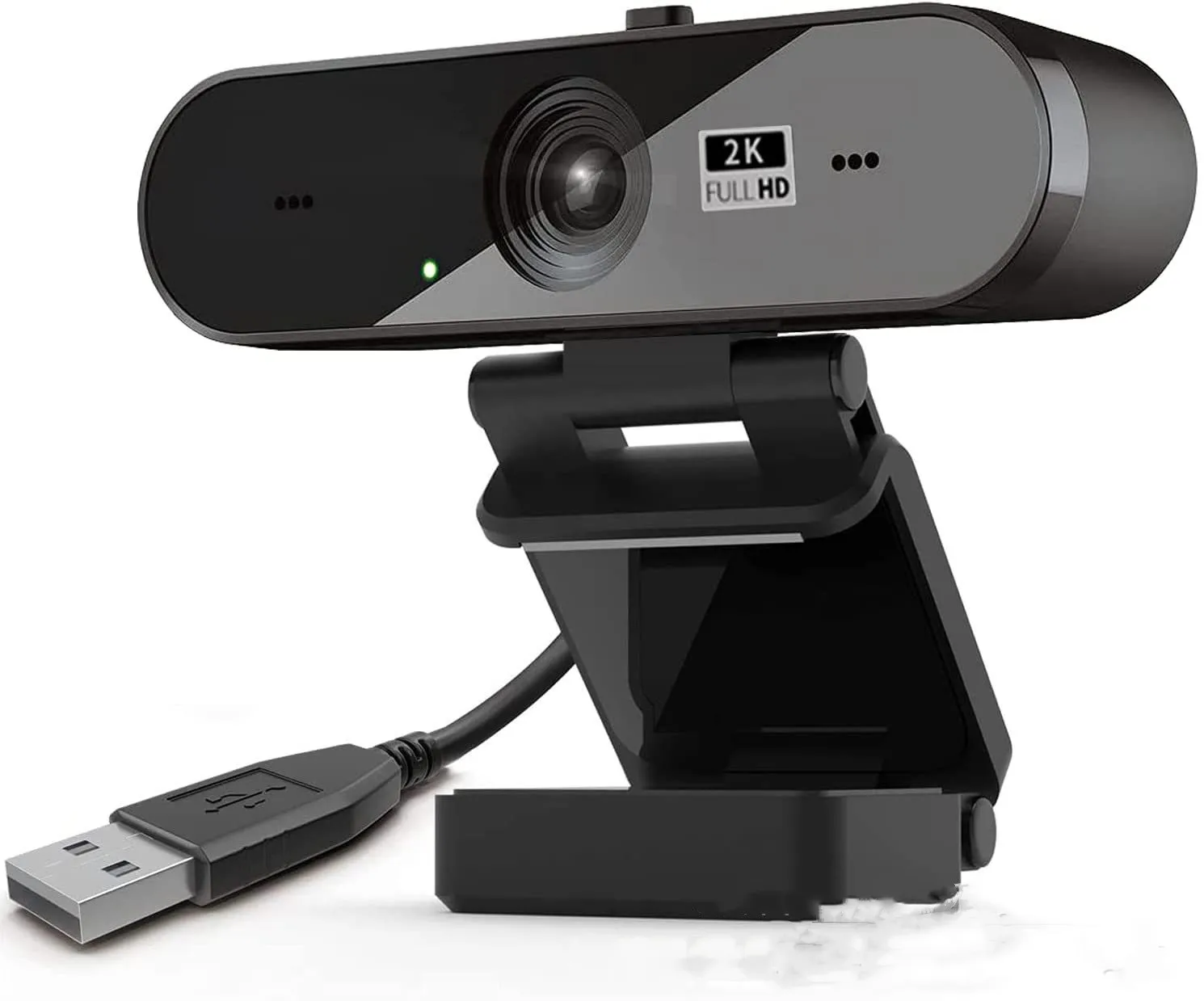
Build quality often gets overlooked, but it plays a big role in long term use. Most webcams use ABS plastic, which balances durability and lightweight design. A solid housing helps protect internal components like the image sensor and lens assembly. Mounting clips should feel secure and stable on your monitor or laptop screen. In Australia, where temperatures can fluctuate, materials that resist warping or cracking are worth considering for consistent performance.
Resolution is one of the most important specs. While 1080p is common, stepping up to 2K provides noticeably sharper detail. Frame rate also matters, as smoother motion improves video quality during meetings. Microphone quality is another key factor, especially if you are not using a separate audio device. USB connectivity, particularly USB 2.0 or higher, ensures compatibility with most computers. Cable length can affect positioning, so having around 1.5 metres offers useful flexibility.
Webcams range widely in price across the Australian market. Lower priced models may struggle with image clarity or audio pickup. Investing in a mid range option often delivers better overall performance and reliability. It is worth paying a bit more for clearer video and dependable sound, especially if you use it daily for work or study.
The Computer HD Real-Time Conference Webcam offers a strong mix of video clarity and ease of use. Its 2K resolution provides a sharper image than standard webcams, which helps you appear more professional during meetings. If you are presenting or speaking in front of a group, that extra clarity makes a difference.
The built in microphone adds convenience by removing the need for additional equipment. It captures voice clearly for everyday use, making it suitable for meetings, classes, and casual calls. And for anyone trying to keep their desk setup minimal, this is a big advantage.
Plug and play functionality is another highlight. You connect it via USB and it is ready to use almost immediately. No complicated software installation, no confusion. That simplicity is perfect for busy users who just want reliable performance.
Portability also stands out. The compact design and lightweight build make it easy to move between different setups. Whether you are working from home or taking it to the office, it adapts easily.
Compared to basic built in laptop cameras, this webcam offers a clear upgrade in both resolution and audio quality. Many entry level external webcams stick to 720p or standard HD, which can look soft or grainy. This model pushes beyond that with 2K clarity. While high end professional cameras exist, they often require additional equipment and setup. This webcam keeps things simple while still delivering strong performance.
Getting started is quick and straightforward. Plug the webcam into a USB port on your computer, then position it on top of your monitor or laptop screen. Adjust the angle so your face is centred in the frame. Most operating systems will recognise the device automatically. Open your preferred video conferencing app and select the webcam as your video and audio source.
Lighting plays a huge role in video quality. Try to position yourself facing a natural light source or use a desk lamp to brighten your face. Keep the lens clean to avoid blurry images. Adjust camera settings within your software for optimal brightness and contrast. And if you are on long calls, make sure your internet connection is stable for smooth video performance.
This Computer HD Real-Time Conference Webcam suits a wide range of users across Australia. Remote workers attending daily meetings will benefit from improved video clarity and reliable audio. Students participating in online learning will find it easier to engage and communicate.
Content creators starting with streaming or recording will appreciate the balance between quality and simplicity. It is a practical entry point without needing complex gear. And for everyday users who just want better video calls with friends and family, it delivers a noticeable upgrade.
Ever joined a meeting and noticed how much clearer some people look on camera? That is often the difference a better webcam makes.
GiftDeal focuses on bringing practical tech to Australian customers without overcomplicating things. Since 2020, we have built a range that supports work from home setups, study needs, and everyday connectivity. Our team carefully selects products that are easy to use and reliable in real situations. If you ever need help, our local support team is ready to assist. With fast shipping across Australia and easy returns, you can upgrade your setup with confidence.
[FAQS]
Q: Is the Computer HD Real-Time Conference Webcam compatible with all computers?
A: It works with most desktops and laptops that support USB connections. Operating systems like Windows, macOS, and many Linux distributions
recognise it automatically. You simply plug it in and select it in your video settings. Compatibility is broad for everyday use.
Q: Does the webcam require any software installation?
A: No additional software is usually needed. It uses plug and play functionality, so your system detects it automatically. Some apps may
allow extra settings adjustments, but they are optional. This keeps setup simple and quick.
Q: How good is the built in microphone for meetings?
A: The microphone captures clear voice audio for standard calls and conferences. It works well in quiet to moderately noisy environments.
For professional recording, an external mic may add more depth, but for everyday use, it performs reliably.
Q: Can I use this webcam for streaming or content creation?
A: Yes, it is suitable for beginners in streaming or recording. The 2K resolution provides clear visuals, which improves overall video
quality. It integrates easily with common streaming platforms. It is a practical starting point for creators.
Q: What is the cable length and does it limit positioning?
A: The cable is approximately 1.5 metres long, giving you flexibility in placement. You can adjust the webcam position to get the best
angle. This length suits most desk setups comfortably. It helps create a cleaner workspace.
Q: Does lighting affect the video quality?
A: Yes, lighting has a big impact on how clear your video appears. Good lighting enhances detail and colour accuracy. Even with 2K
resolution, poor lighting can reduce quality. Positioning yourself near a light source makes a noticeable difference.
Q: Is the Computer HD Real-Time Conference Webcam suitable for online classes?
A: It is a strong option for students attending virtual lessons. Clear video and audio help with participation and communication. Teachers
and classmates can see and hear you properly. It makes online learning more engaging.
Q: How durable is the webcam for daily use?
A: The ABS material provides a good balance of strength and lightweight design. It holds up well under regular use. With proper care, it can
last a long time. Keeping it clean and stored safely when not in use helps maintain its condition.
We deliver your orders quickly, safely, and securely. Most orders arrive within 7–21 working days. Local deliveries may arrive sooner.
Delivery times may vary based on location, order volume, and courier schedules. Some rural areas may take longer.
If your order hasn't arrived within the estimated timeframe, please contact us: contact@giftdeal.com.au
No FAQs available for this product yet.
Buyer guide not available for this product.